 WiseBoard
Describe the practice you need
Use a free-form prompt to specify question types, number of questions, and difficulty.
Classroom resources
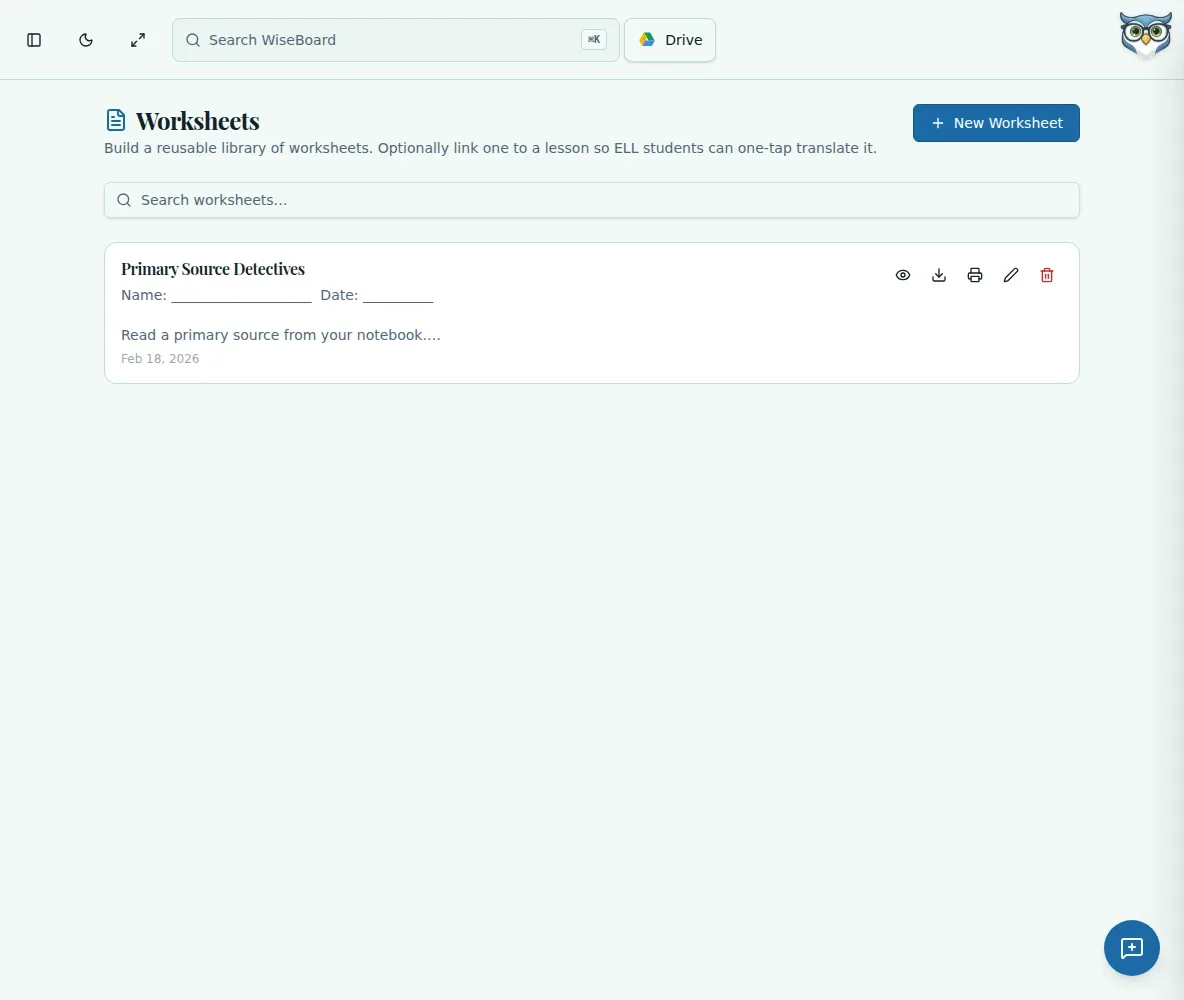
Describe the grade, question types, quantity, and difficulty for a worksheet draft. Review and edit the content and answers before saving, then print or download the student PDF and answer key as separate files.
See the workspace before you sign in.
01 / THE DIFFERENCE
Practical tools that leave the decisions with you.
Use a free-form prompt to specify question types, number of questions, and difficulty.
Review and edit worksheet content and answers before saving.
Download the student worksheet and answer key separately so answers stay teacher-only.
02 / IN PRACTICE
A closer look at how this fits into your day.
Explore the interactive app demoCreate a worksheet, enter a title and optional lesson, and choose Generate with Pip.
Enter grade and prompt details, generate, then check and edit the questions and answers.
Save the reviewed worksheet and print or download the student PDF and key separately.
WHAT THIS COULD LOOK LIKE
Describe the grade, number of decimal-comparison problems, and desired challenge level. Check each problem and answer, save the worksheet, and download the student page separately from the answer key.
GOOD TO KNOW
A little more detail before you dive in.
No. Review the worksheet and every answer before saving or sharing.
The student PDF and answer key are separate downloads. Keep the key teacher-only and choose the intended file before sharing.
YOUR WORKSPACE AWAITS
Explore WiseBoard on your own terms. Take a look around, or start your free trial.