 WiseBoard
Review Game Creator
Start with a lesson, prompt, or document. Inspect source evidence, edit questions, and prepare standard review, Jeopardy, Escape Room, or Capture the Flag formats.
Explore a simulated game workflow →Explore the workspace
Explore the featured tools below, then browse a public page for every documented WiseBoard feature. Each page includes a product screenshot and how the tool works. Detailed in-app guides require a WiseBoard account.
This is a catalog of documented capabilities, not a promise that every tool is enabled for every account. School permissions, teacher settings, integrations, and release availability apply. Study Hall is teacher-enabled and respects parent opt-out; student Arcade experiences are not all teacher-launched review games.
Start with a lesson, prompt, or document. Inspect source evidence, edit questions, and prepare standard review, Jeopardy, Escape Room, or Capture the Flag formats.
Explore a simulated game workflow →Review material source receipts and quality warnings. Use assessment evidence to propose a reteach plan, then review and approve it yourself. AI suggestions are not verified learning outcomes.
Explore a simulated reteach workflow →Go deeper
Explore individual features with product screenshots, practical classroom examples, and a closer look at how each tool works.
Assessment tools
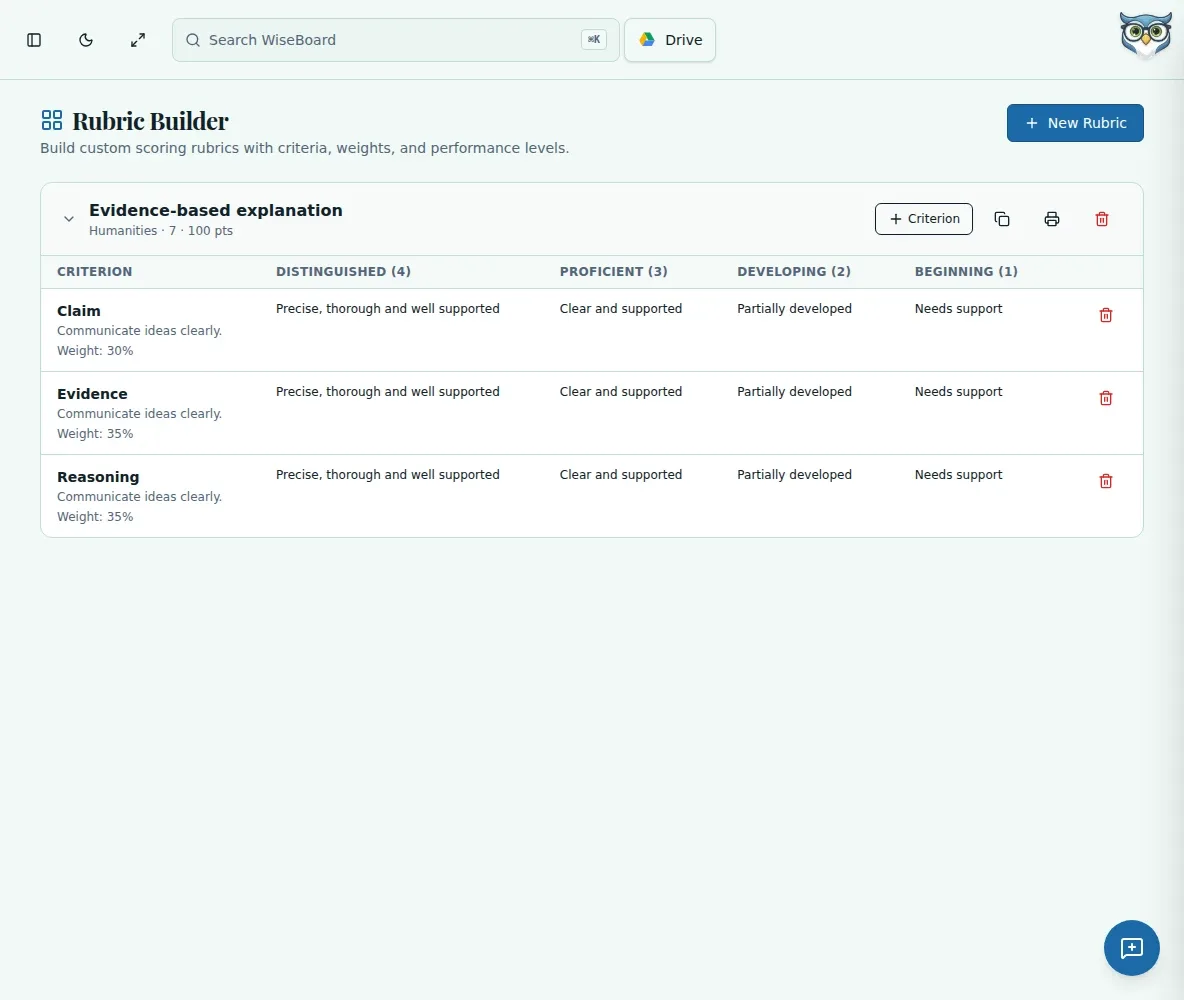
Need a rubric for an essay, presentation or project? Define the criteria for that assignment, weight them, write descriptors across four performance levels and save the rubric to use again.
Explore Rubric Builder for Teachers →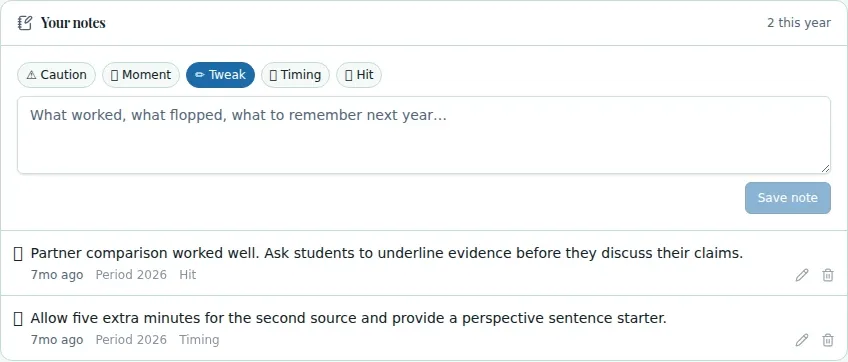
Planning tools
Planning tomorrow's lesson? Start with your topic and class context in the WiseBoard lesson workspace. Use an AI draft as a starting point, then check the activities and pacing before you save or teach.
Explore AI Lesson Plan Creator for Teachers →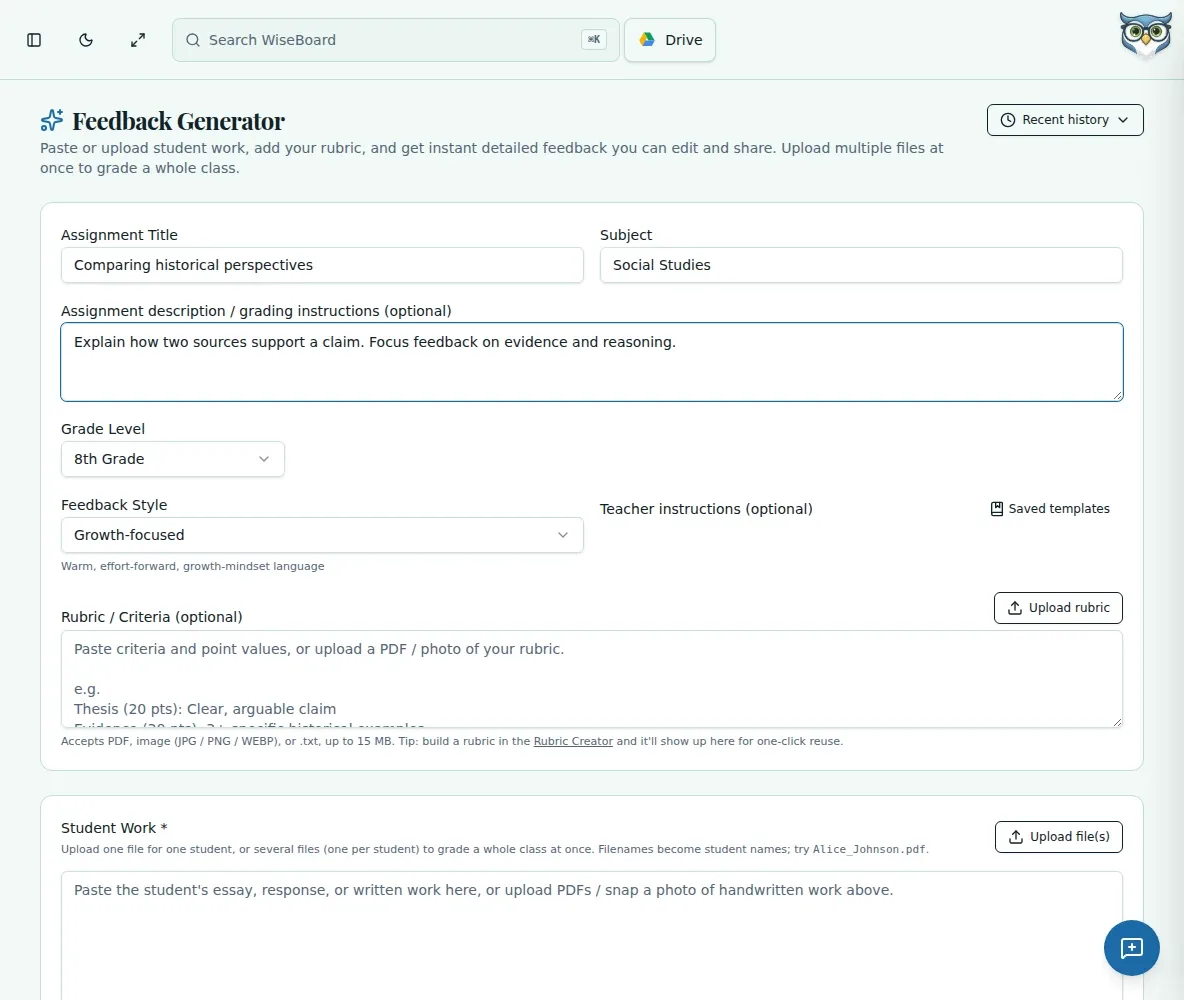
Assessment tools
Need specific feedback on a writing response or other assignment? Paste or describe the work, add the grade level and assignment, and optionally include your rubric. WiseBoard drafts feedback for you to check and personalize.
Explore AI Student Feedback Generator for Teachers →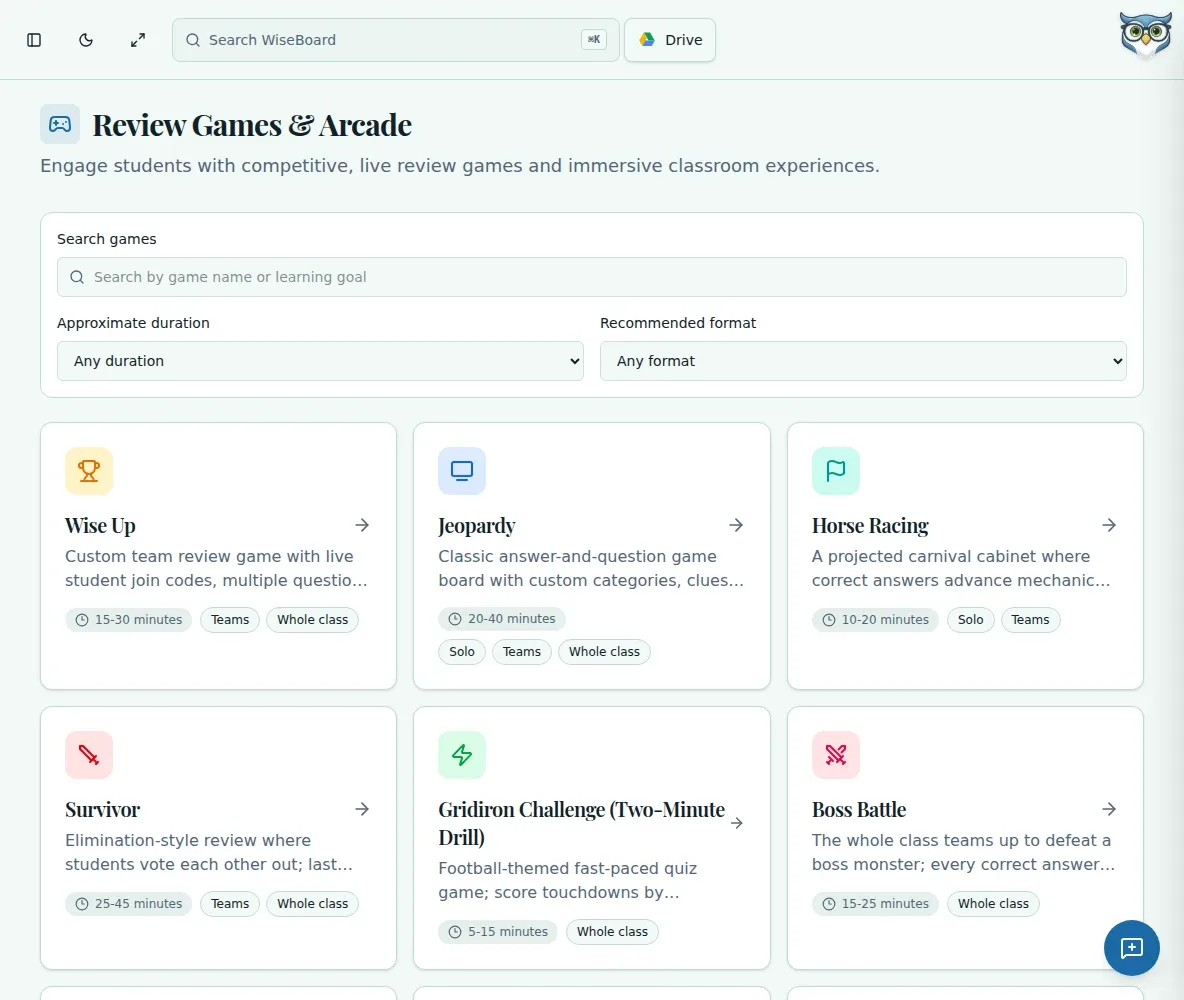
Practice and play
Looking for a classroom review game? Build a question set from a lesson, topic or document, check each question, then choose a teacher-led format. Student Arcade experiences are separate from those class sessions.
Explore Classroom Review Games for Teachers →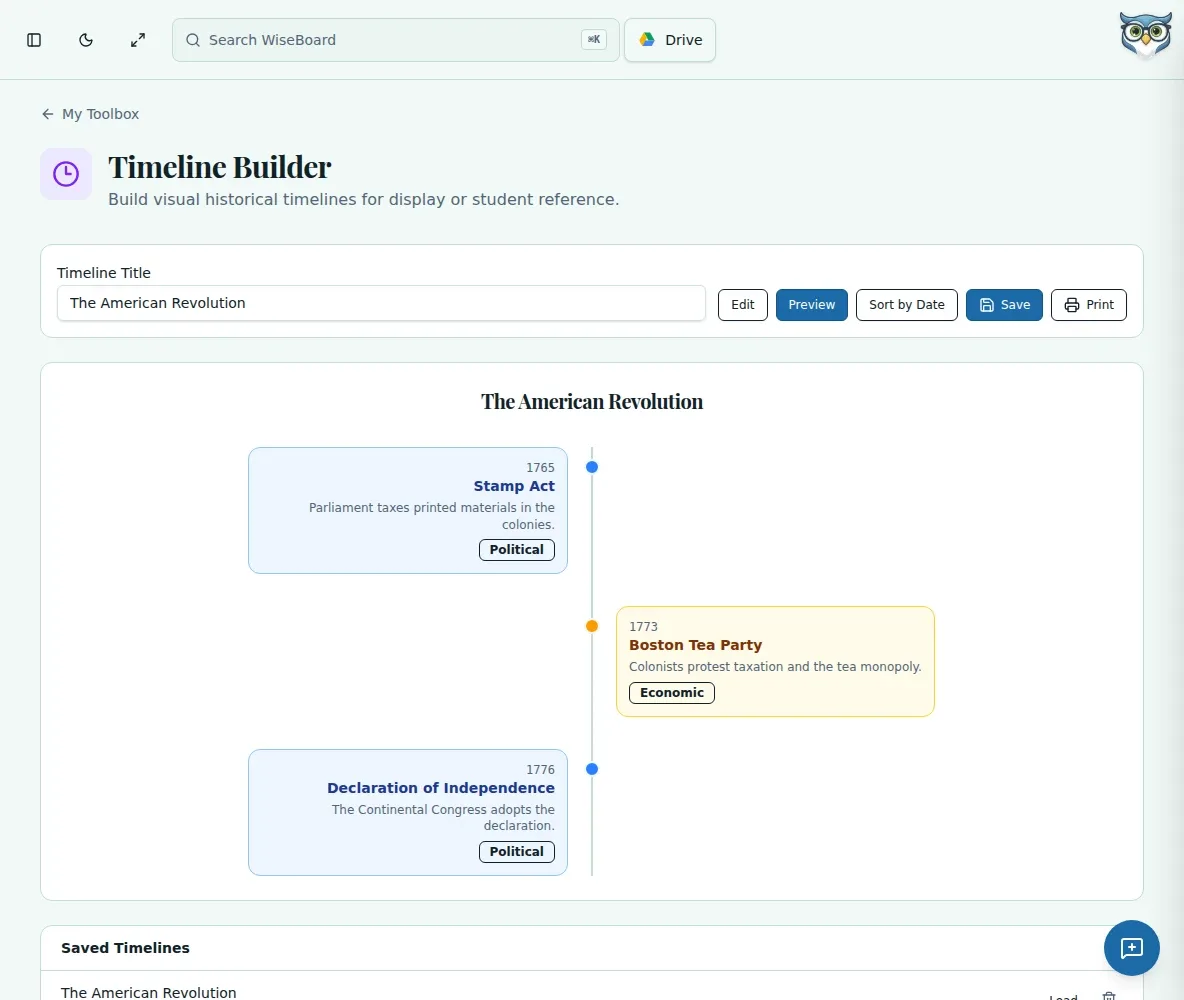
Classroom tools
Put dates, events and context into a sequence students can follow. WiseBoard's timeline builder lets you add and edit events, preview the result and print it for class.
Explore Timeline Builder for Teachers →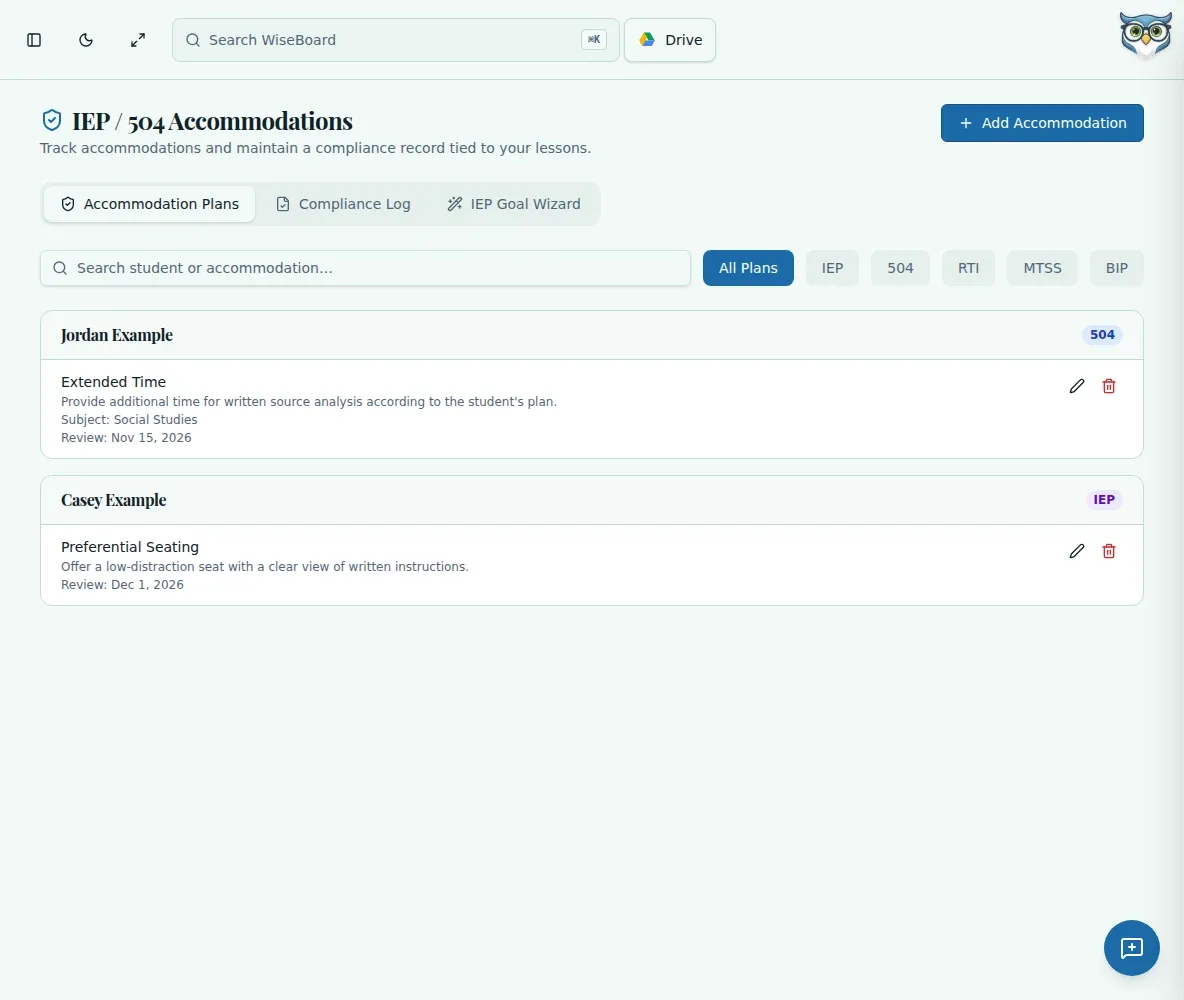
Student support
Need to track classroom accommodations? Keep IEP, 504 and other plan details organized by student, then manually log when an accommodation was provided. The log is a teacher record, not independent proof of compliance.
Explore IEP & 504 Accommodation Tracker for Teachers →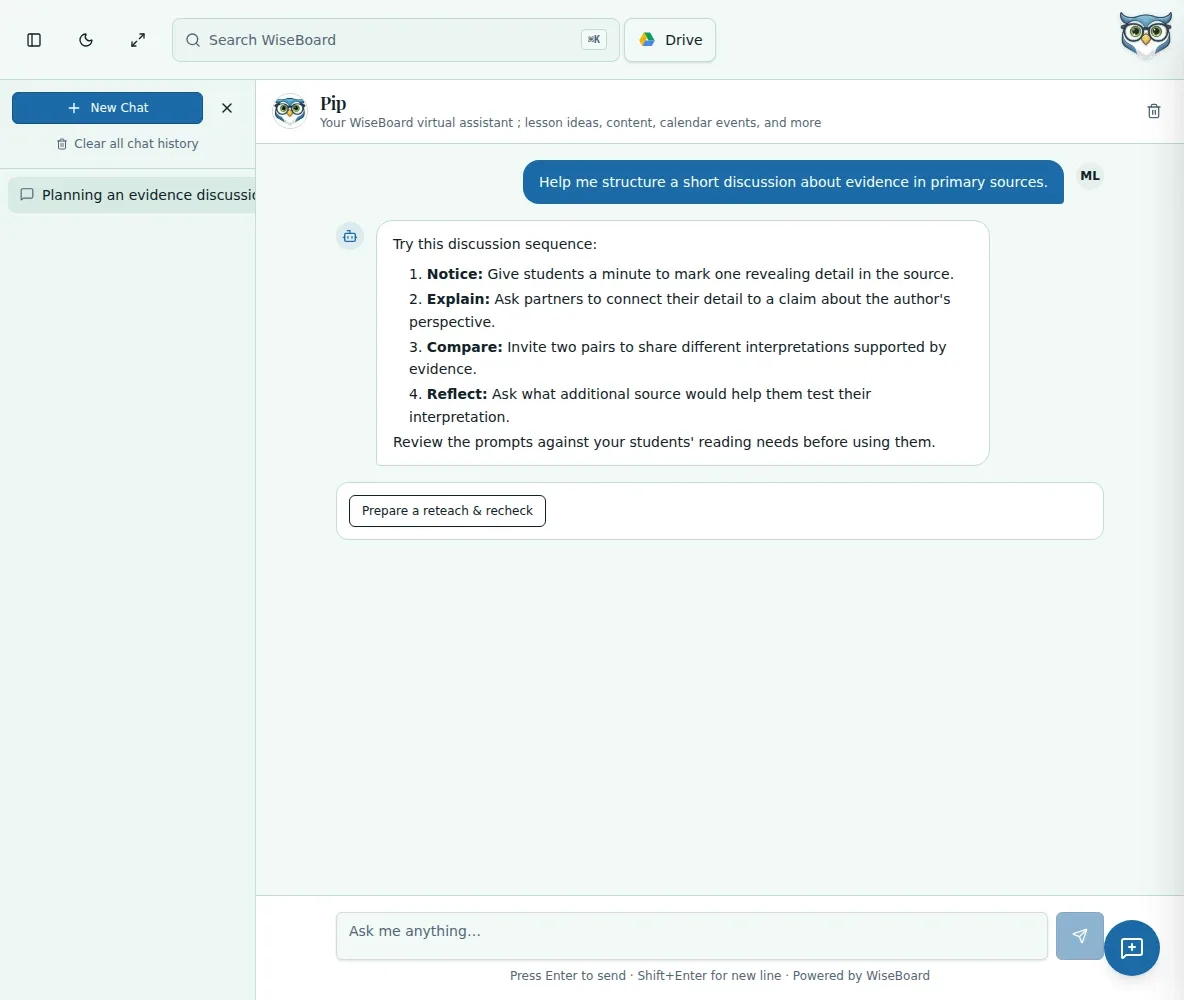
Meet Pip
Ask Pip for help thinking through a classroom task, planning a lesson or reviewing materials. Keep the conversation and inspect every suggestion before you put it to work.
Explore Pip Virtual Teaching Assistant →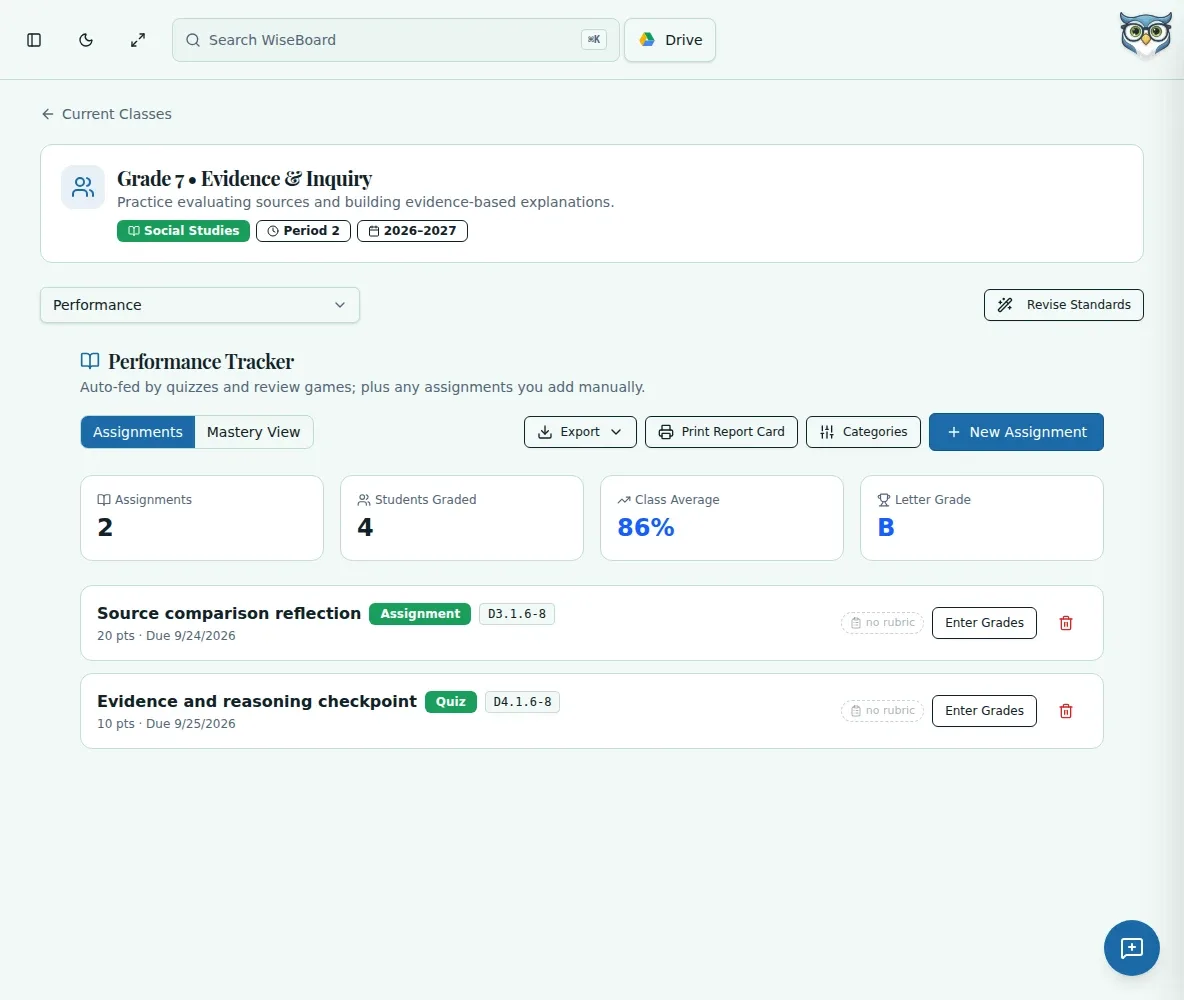
Assessment tools
Record assignments and scores, check running averages and organize categories so your class performance view stays connected to the work you teach.
Explore Teacher Gradebook and Performance Tracker →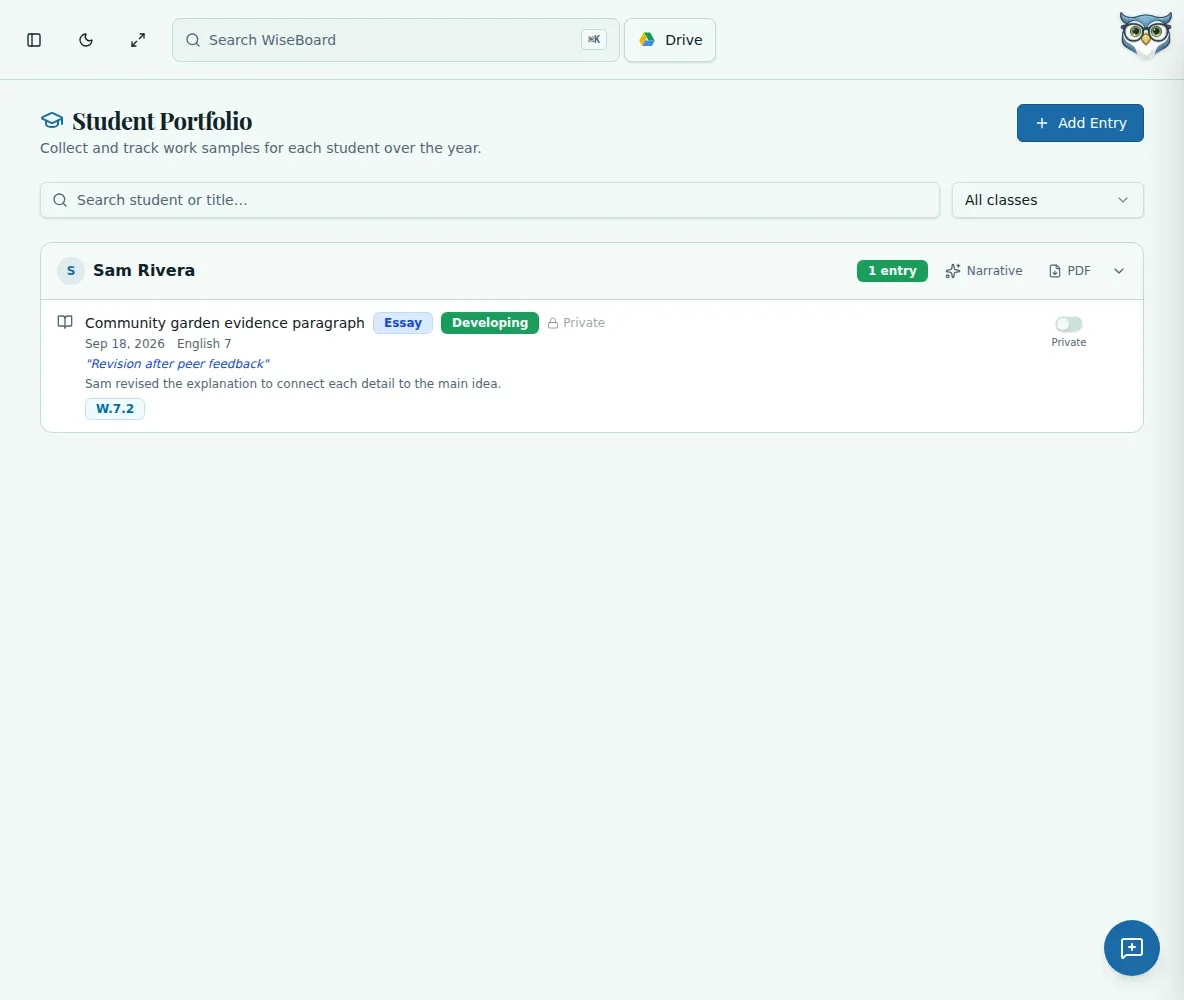
Student work
Collect work samples in a student portfolio, choose what can be shared with families and return to the evidence when you need to describe progress.
Explore Student Portfolio for Teachers →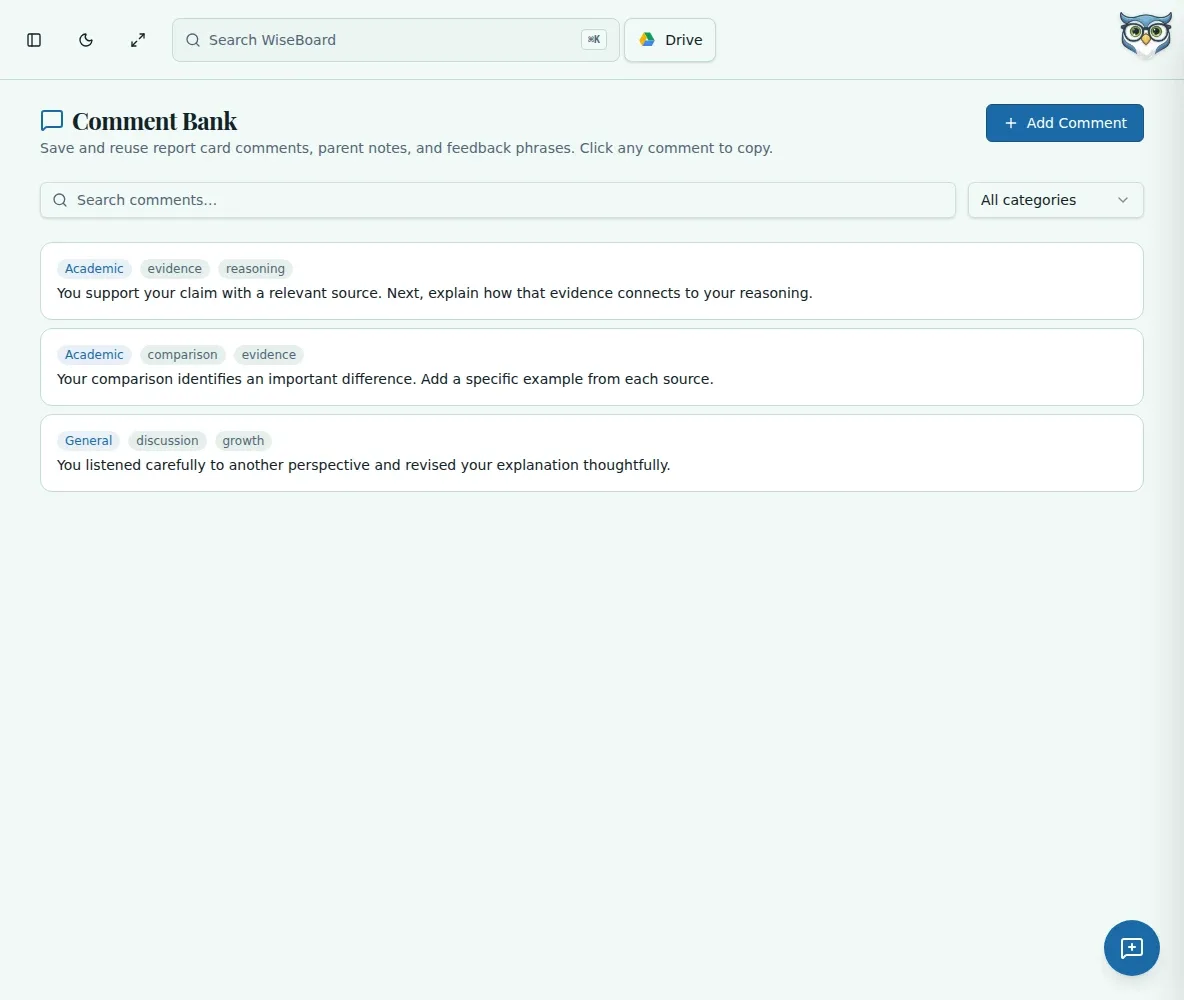
Everyday teaching
Save your own reusable comments for reports, messages and feedback. Find the right starting point by category or tag, then personalize it before sending.
Explore Teacher Comment Bank →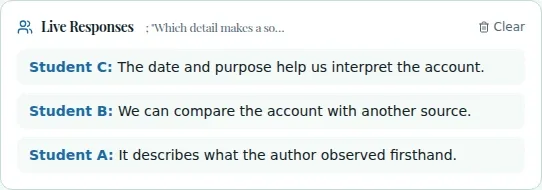
Teaching tools
Start a teacher-led Live Teach session from your lesson context, use the available checks while teaching and review what students respond.
Explore Live Teach Classroom Lesson Tools →138 documented features