 WiseBoard
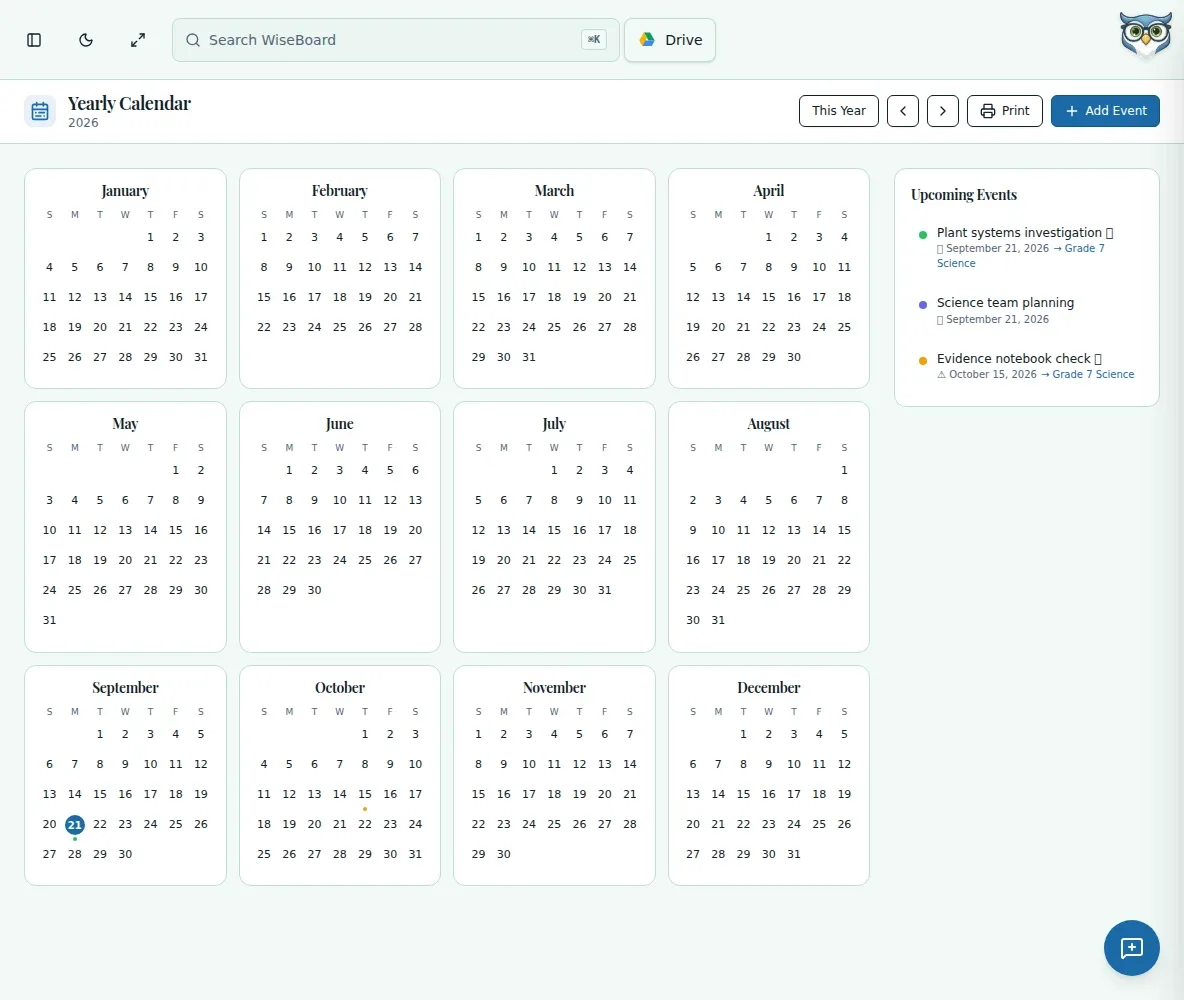
See the full calendar year
Scan saved dates from January through December in one view.
Plan the year
When you are placing units, assessments and field trips across a long stretch, a single month is not enough context. Yearly Calendar shows January through December for the selected calendar year, with saved events on their dates.
See the workspace before you sign in.
01 / THE DIFFERENCE
Practical tools that leave the decisions with you.
Scan saved dates from January through December in one view.
Add dates early and review how projects, assessments and other commitments fit together.
Use Print to print the calendar or save it as a PDF through your browser.
02 / IN PRACTICE
A closer look at how this fits into your day.
Explore the interactive app demoOpen Yearly Calendar and use previous, next or This Year.
Select a day or Add Event to save a date, or open an existing event to edit or delete it.
Review the selected year's calendar, then use Print or your browser's save-to-PDF option.
03 / A CLOSER LOOK
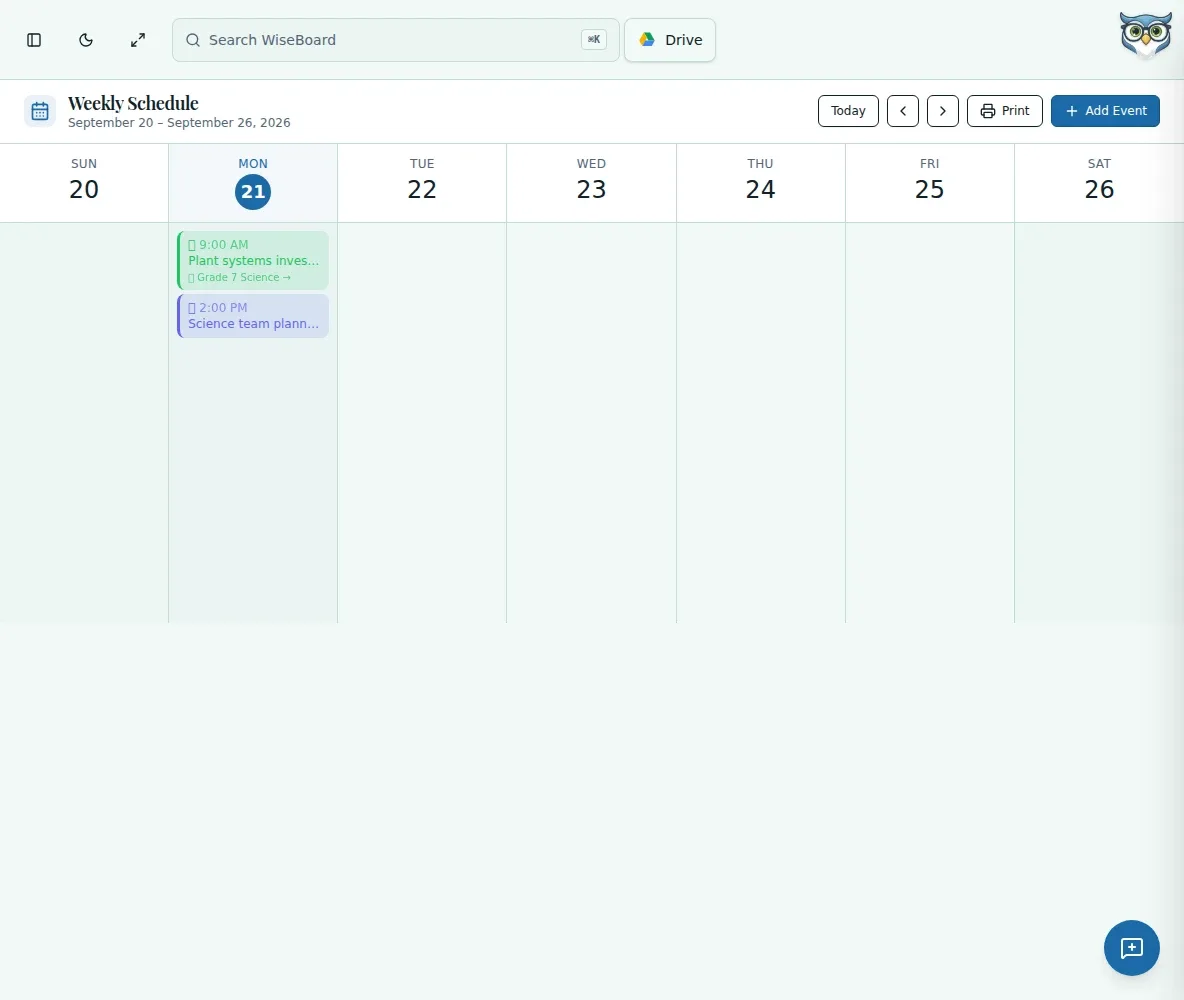
Related workflow view. This is not another screen of the primary feature.
WHAT THIS COULD LOOK LIKE
Add the dates for unit assessments and school events across the year. Scan the calendar for crowded periods, then adjust your proposed pacing before committing to the plan.
GOOD TO KNOW
A little more detail before you dive in.
It shows January through December for the selected calendar year.
Yes. Choose Print, or use your browser to save the calendar as a PDF.
YOUR WORKSPACE AWAITS
Explore WiseBoard on your own terms. Take a look around, or start your free trial.