 WiseBoard
See the setup first
Read each service description and requirements before entering credentials or starting authorization.
Connected teaching tools
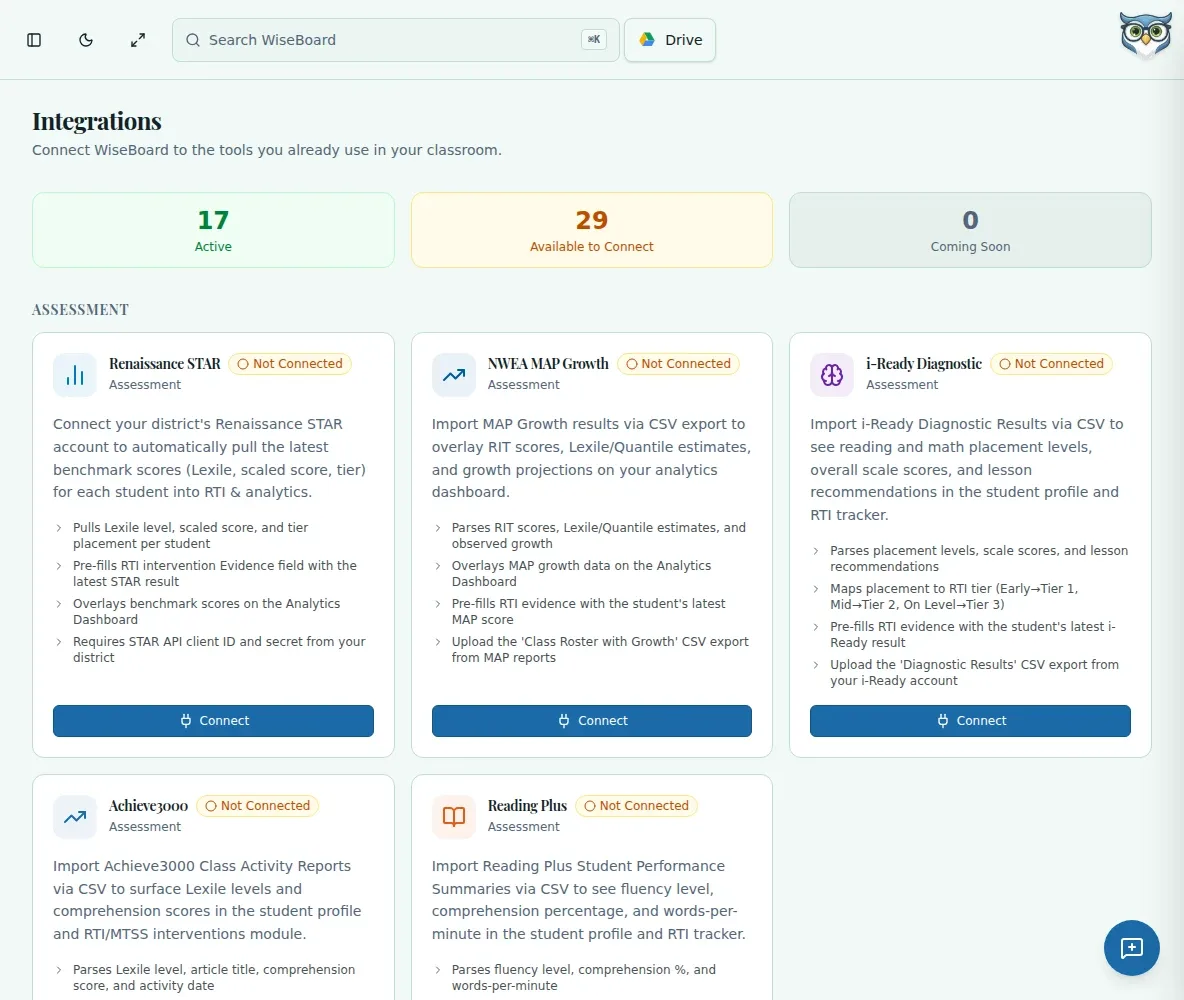
Some classroom services need school approval, account access or provider credentials before they can connect. The Integrations page puts supported options and their setup requirements together, so you can confirm what is available before taking action.
See the workspace before you sign in.
01 / THE DIFFERENCE
Practical tools that leave the decisions with you.
Read each service description and requirements before entering credentials or starting authorization.
Review the visible connection status after setup and use a service only when it is shown as connected.
Return to a service card to update credentials or disconnect when your school workflow changes.
02 / IN PRACTICE
A closer look at how this fits into your day.
Explore the interactive app demoSign in as a teacher and open Integrations from the in-app navigation.
Read its availability and requirements, then complete the supported setup, connect or authorize action.
Check the saved status before relying on the service. A coming-soon card is not an available connection.
WHAT THIS COULD LOOK LIKE
Before connecting a learning service, confirm your school has approved it and that you have the right account and credentials. Complete the service's setup, then check the status shown on its card before using the connected workflow.
GOOD TO KNOW
A little more detail before you dive in.
Not necessarily. Access may depend on the service, school approval, account permissions and required credentials.
Only use the provider credential form shown for the integration. Do not paste secrets into Pip, lessons or support posts.
YOUR WORKSPACE AWAITS
Explore WiseBoard on your own terms. Take a look around, or start your free trial.