 WiseBoard
Choose a meaningful award
Select an available award type or write a custom title that reflects the milestone.
Celebrate a milestone
Mark an academic milestone, improvement, attendance or another achievement with a printable certificate. Choose the student, award type and template, add a personal message if you like and review the finished certificate before presenting it.
See the workspace before you sign in.
01 / THE DIFFERENCE
Practical tools that leave the decisions with you.
Select an available award type or write a custom title that reflects the milestone.
Add a class, date or optional personal message when those details fit.
Create the certificate and inspect the final version before you print or share it.
02 / IN PRACTICE
A closer look at how this fits into your day.
Explore the interactive app demoChoose the page from the in-app navigation.
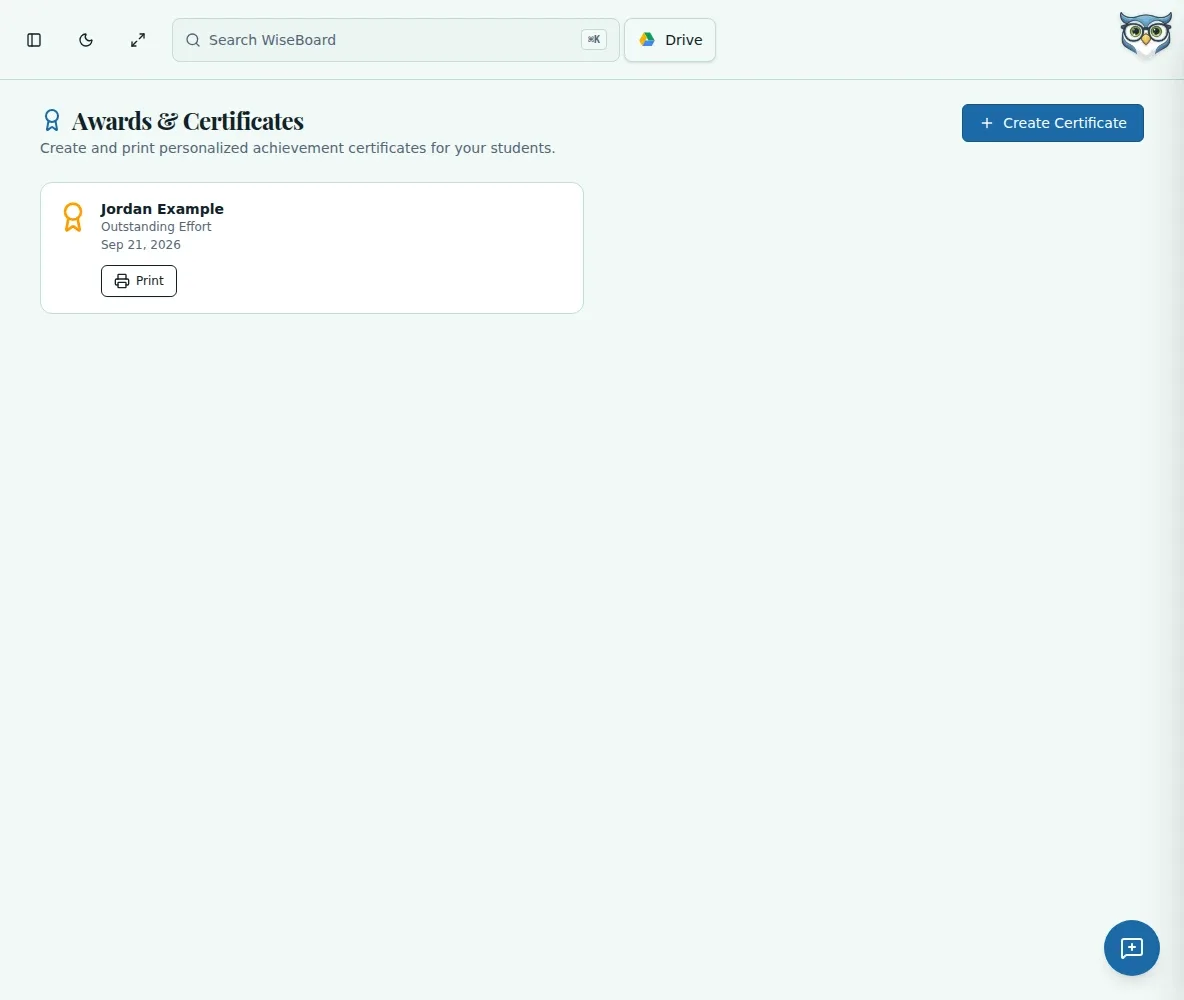
Choose Create Certificate, enter the student name, optionally choose a class and select the award type and template.
Add a custom title, date or message as needed, create the certificate and use Print when ready.
WHAT THIS COULD LOOK LIKE
Choose the student and a template, use a custom title that names the achievement and add a short message tied to a specific moment. Review the completed certificate before presenting it.
GOOD TO KNOW
A little more detail before you dive in.
Yes. For a custom award, enter a Custom Title.
Yes. The form has an optional Personal Message field.
YOUR WORKSPACE AWAITS
Explore WiseBoard on your own terms. Take a look around, or start your free trial.