 WiseBoard
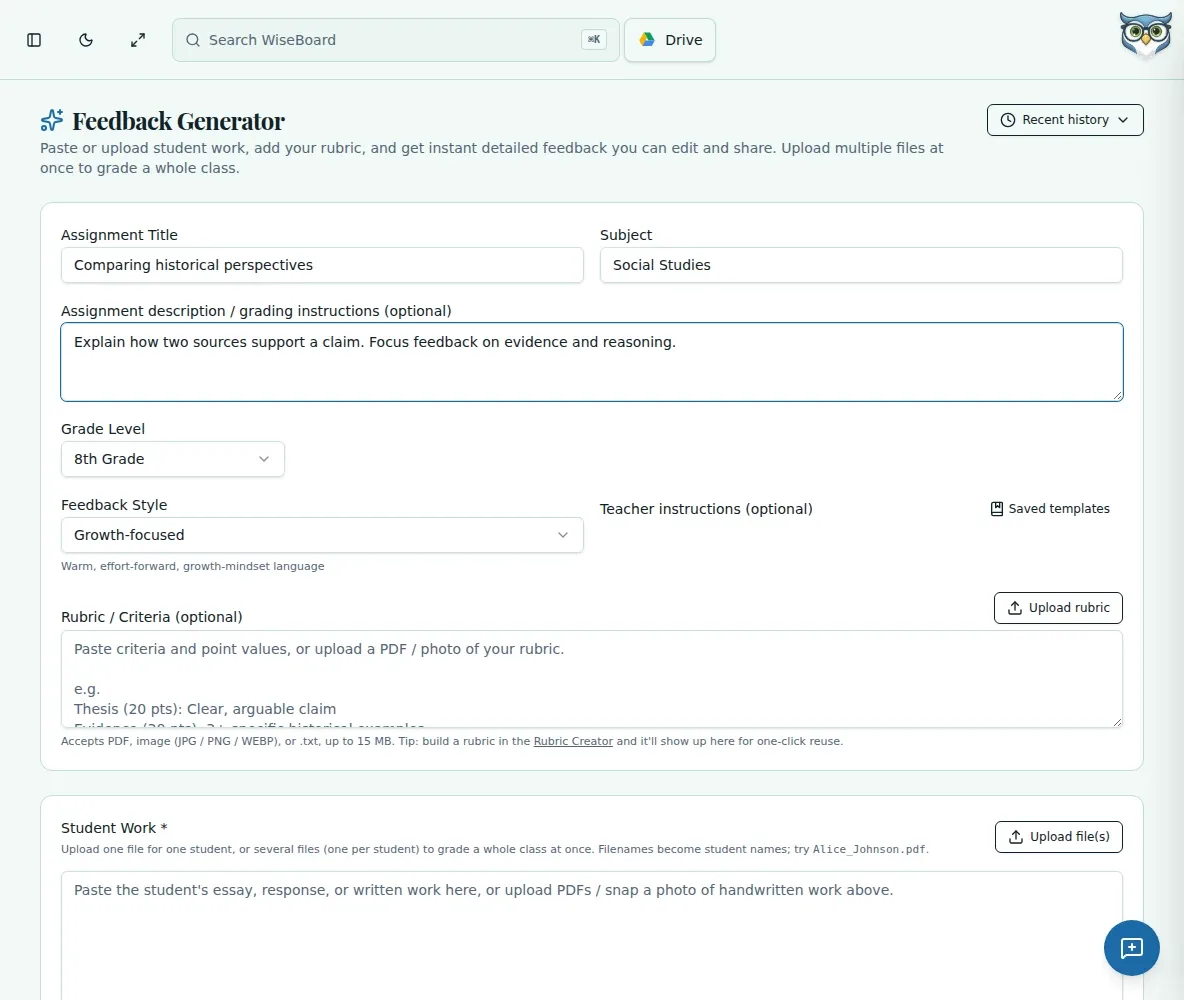
Ground the response
Include assignment details, grade level, criteria and teacher instructions to guide the draft.
Assessment tools
Need specific feedback on a writing response or other assignment? Paste or describe the work, add the grade level and assignment, and optionally include your rubric. WiseBoard drafts feedback for you to check and personalize.
See the workspace before you sign in.
01 / THE DIFFERENCE
Practical tools that leave the decisions with you.
Include assignment details, grade level, criteria and teacher instructions to guide the draft.
Read, revise and approve individual results before feedback reaches students.
Generate drafts for multiple students, then review each result separately rather than accepting a batch unseen.
02 / IN PRACTICE
A closer look at how this fits into your day.
Explore the interactive app demoEnter student work or a description with the assignment and grade level.
Optionally supply a rubric, criteria, standards or instructions.
Check accuracy and tone, and use gradebook transfer only after reviewing any scores.
WHAT THIS COULD LOOK LIKE
Provide the paragraph, prompt and the rubric criterion for evidence. Review whether the draft names a strength actually present in the response and suggests an achievable next step. Edit or discard anything the work does not support.
GOOD TO KNOW
A little more detail before you dive in.
No. Feedback is a teacher-reviewable draft; gradebook transfer uses separate review controls.
You can provide rubric or assessment criteria to guide the feedback draft.
YOUR WORKSPACE AWAITS
Explore WiseBoard on your own terms. Take a look around, or start your free trial.