 WiseBoard
Keep scores together
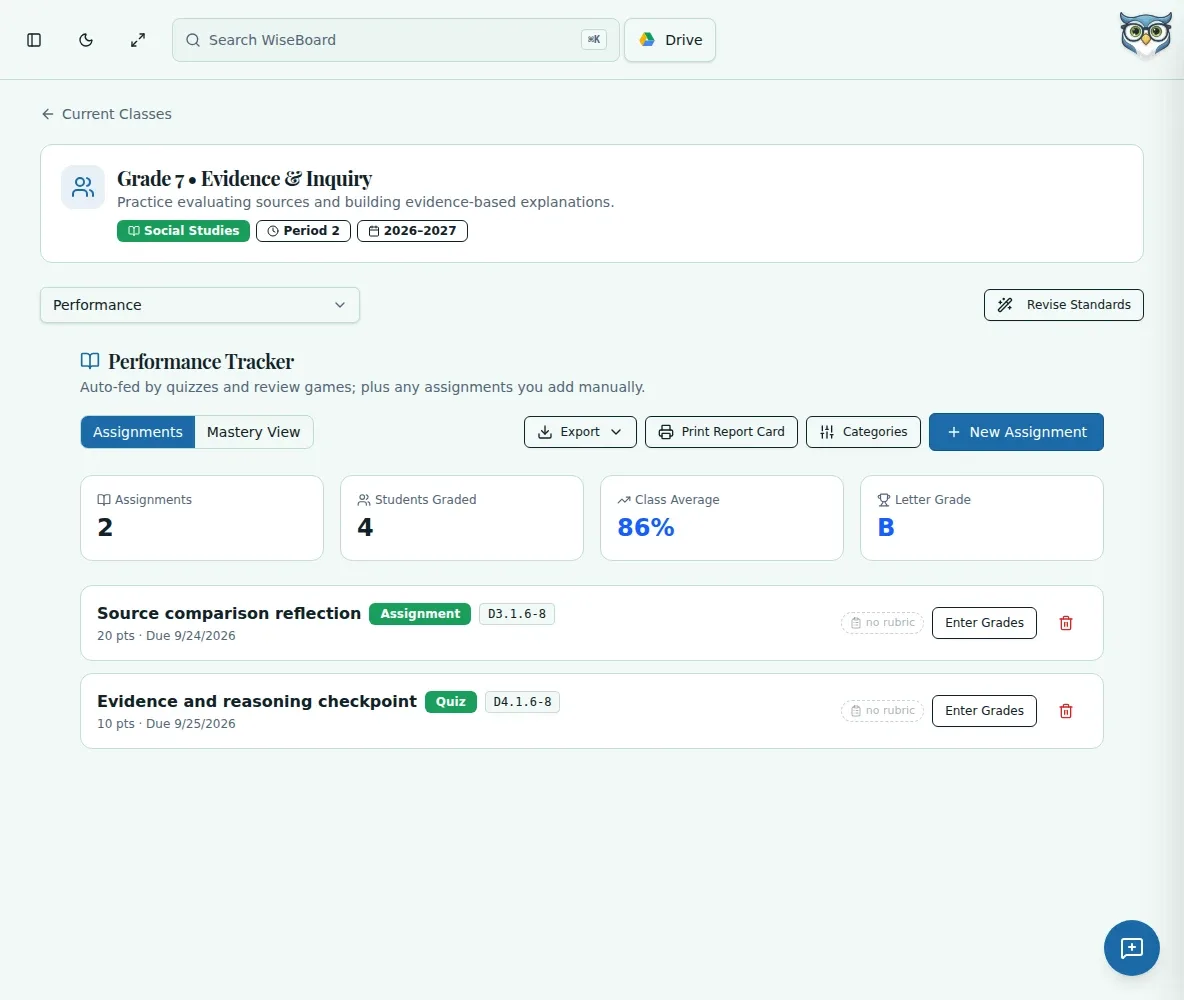
See assignments and scores in the context of the class.
Assessment tools
Record assignments and scores, check running averages and organize categories so your class performance view stays connected to the work you teach.
See the workspace before you sign in.
01 / THE DIFFERENCE
Practical tools that leave the decisions with you.
See assignments and scores in the context of the class.
Use weighted categories to reflect how your grading plan works.
Export supported gradebook and standards CSV files or print a report card.
02 / IN PRACTICE
A closer look at how this fits into your day.
Explore the interactive app demoGo to the class performance view and set up the work you want to track.
Set category weights that total 100% and review the running averages.
Check records, then export or print for your school's workflow.
03 / A CLOSER LOOK
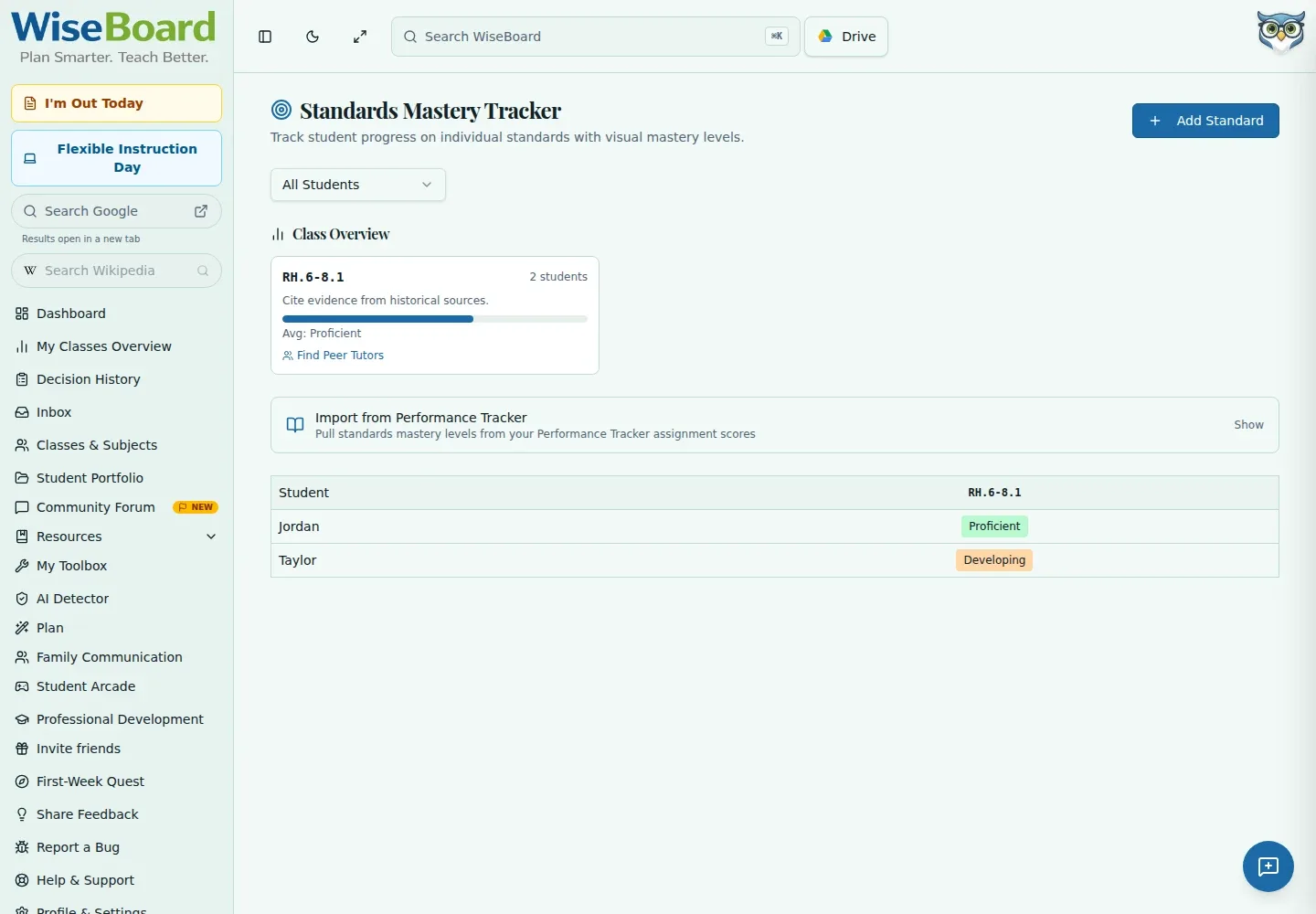
Related workflow view. This is not another screen of the primary feature.
WHAT THIS COULD LOOK LIKE
Add the assessment to the correct class category, check the effect on averages and look for students who may need a follow-up.
GOOD TO KNOW
A little more detail before you dive in.
It is designed to work alongside school grading systems, not to replace a district system of record.
Yes. The class performance tools include supported CSV exports and printable reports.
YOUR WORKSPACE AWAITS
Explore WiseBoard on your own terms. Take a look around, or start your free trial.