 WiseBoard
Preview before relying on it
Inspect the available summary of classroom activity, including behavior, SEL and lessons.
Teacher organization
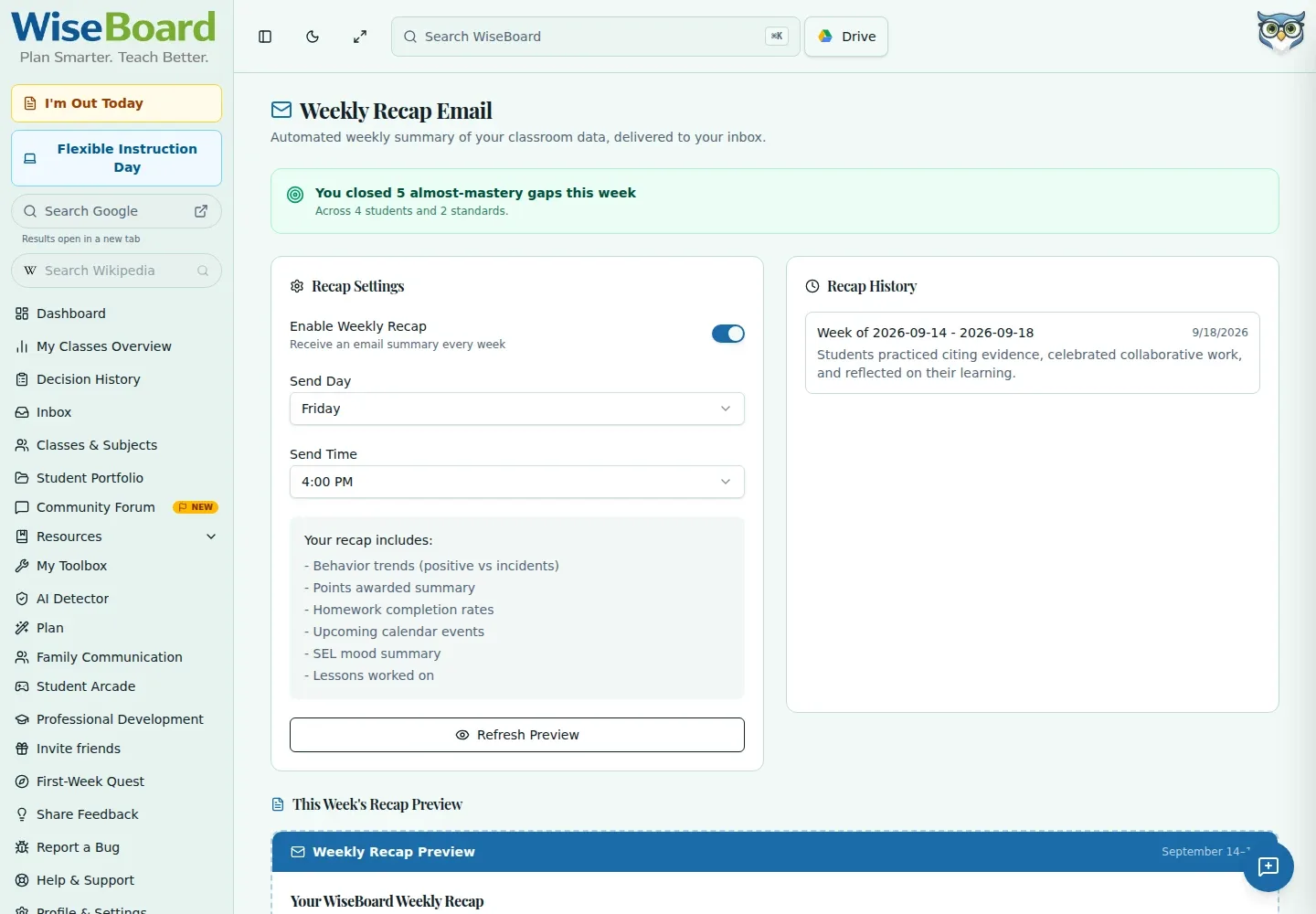
Use Weekly Recap Email to preview a summary of available classroom activity for your teacher inbox. This is a teacher-facing recap, not a family newsletter, and an enabled schedule alone does not confirm delivery.
See the workspace before you sign in.
01 / THE DIFFERENCE
Practical tools that leave the decisions with you.
Inspect the available summary of classroom activity, including behavior, SEL and lessons.
Choose whether to enable the recap and select a send day and time.
Review Sent History to see recorded sends rather than assuming an enabled schedule delivered.
02 / IN PRACTICE
A closer look at how this fits into your day.
Explore the interactive app demoOpen Weekly Recap Email and inspect the current preview.
Set Enable Weekly Recap, Send Day and Send Time to your preference.
Refresh the preview when needed and check Sent History for recorded delivery.
WHAT THIS COULD LOOK LIKE
Preview the week's available lesson and classroom activity before planning Monday's follow-up. If you enable a schedule, check Sent History rather than treating the setting as proof an email arrived. Keep student-sensitive information out of family mailing lists.
GOOD TO KNOW
A little more detail before you dive in.
No. Weekly Recap Email is configured for the teacher's own inbox. Use Newsletter Generator for a separately reviewed family newsletter.
No. Review Sent History for recorded sends; an enabled schedule alone is not confirmation of delivery.
YOUR WORKSPACE AWAITS
Explore WiseBoard on your own terms. Take a look around, or start your free trial.