 WiseBoard
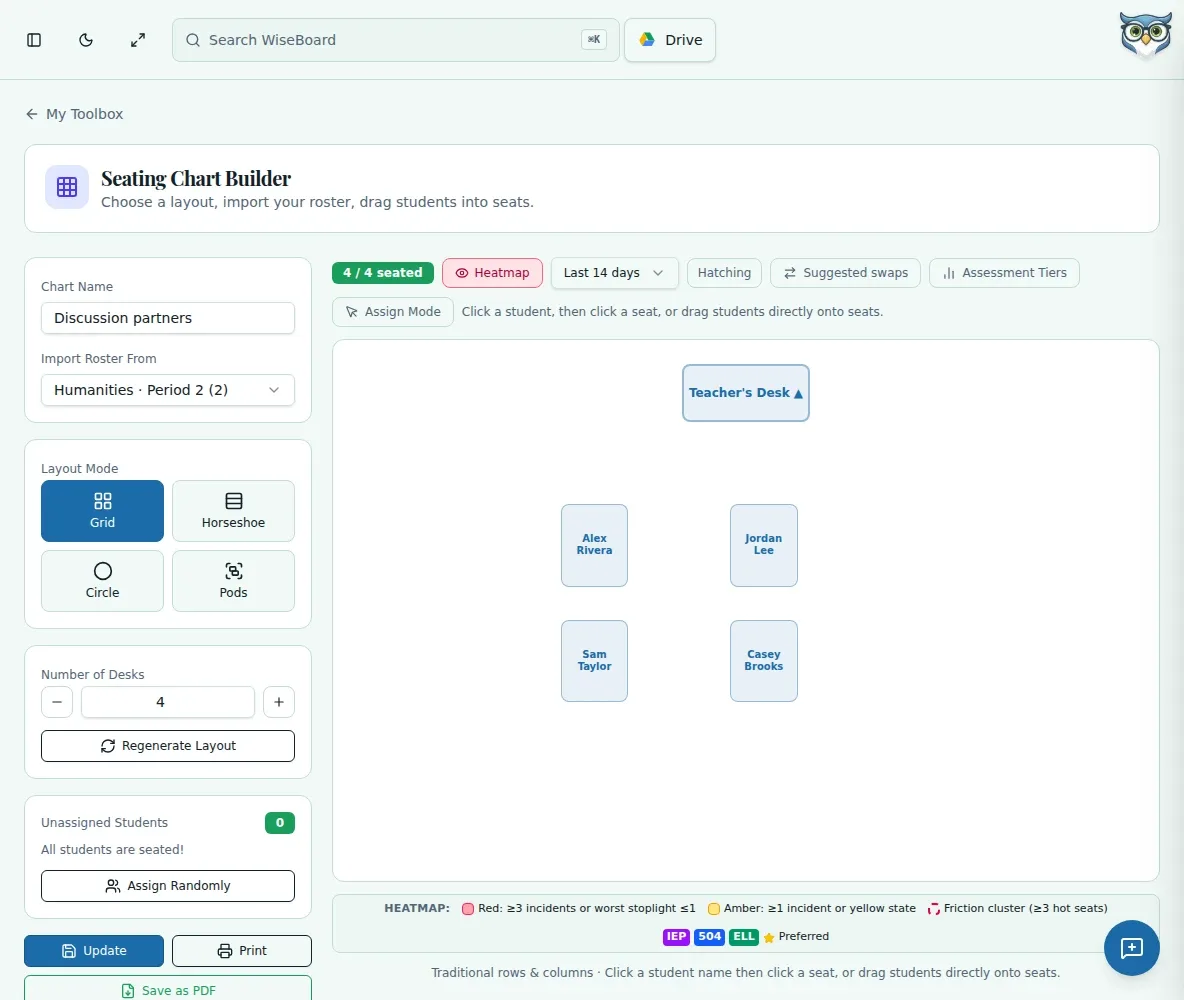
Arrange seats visually
Drag student names from the roster into the displayed seat positions.
Classroom tools
Build a visual seating arrangement from a class roster. Choose a displayed room layout, place students in seats, record seating needs where appropriate, and save or print a chart for your own reference or a substitute.
See the workspace before you sign in.
01 / THE DIFFERENCE
Practical tools that leave the decisions with you.
Drag student names from the roster into the displayed seat positions.
Use a student's preferred-seating controls to record needs and notes.
Store charts with the class, update them later, and print or download a PDF.
02 / IN PRACTICE
A closer look at how this fits into your day.
Explore the interactive app demoOpen the builder, choose your class, and select from the available room layouts.
Drag roster names into positions and add seating notes through the relevant student controls.
Save the chart with its class, then print or download its PDF when you need a paper reference.
WHAT THIS COULD LOOK LIKE
Choose the class and a room layout, arrange the roster for testing, and save the chart. Print the PDF as a reference, then return to the class chart when you want to update the arrangement.
GOOD TO KNOW
A little more detail before you dive in.
Charts are stored with the selected class. Choose the intended class before arranging and saving.
Yes. The builder supports printing or downloading the chart as a PDF.
YOUR WORKSPACE AWAITS
Explore WiseBoard on your own terms. Take a look around, or start your free trial.