 WiseBoard
See the evidence behind a pattern
Open finding cards to inspect their supporting data and note where evidence is limited.
Class insight
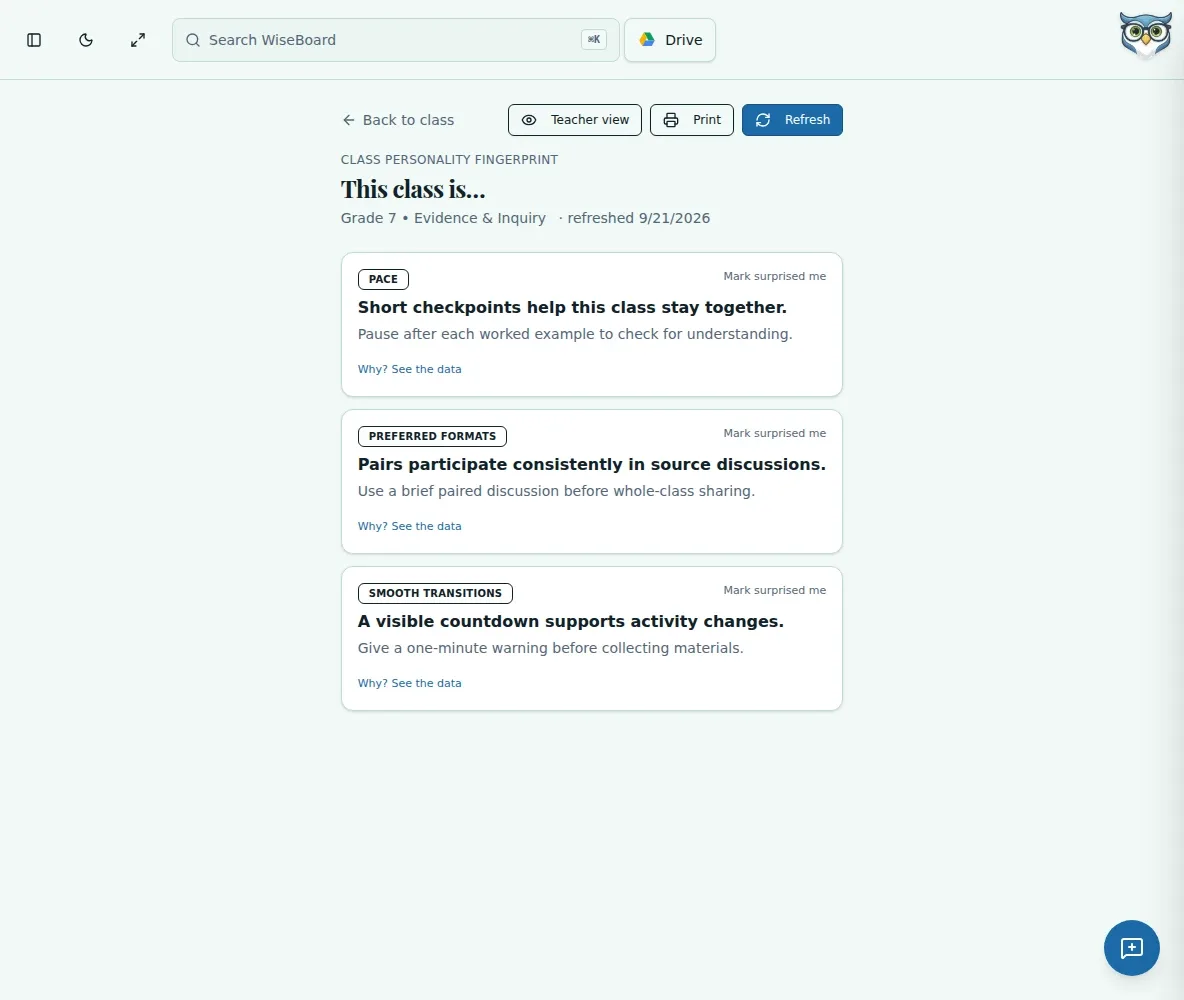
Class Personality Fingerprint summarizes patterns inferred from available classroom data. Open a finding to inspect what supports it, check whether there is enough evidence, and choose a teacher or sub-friendly view before printing.
See the workspace before you sign in.
01 / THE DIFFERENCE
Practical tools that leave the decisions with you.
Open finding cards to inspect their supporting data and note where evidence is limited.
Use available pace, preferred-format, or collaboration patterns as one input to lesson and group planning.
Switch to the sub-friendly view to hide sensitive findings before printing.
02 / IN PRACTICE
A closer look at how this fits into your day.
Explore the interactive app demoFrom a class page, open Personality Fingerprint and check any insufficient-data notice.
Review finding details and supporting evidence; request a refresh if needed.
Use the Teacher view or Sub-friendly view toggle, check the contents, then print.
WHAT THIS COULD LOOK LIKE
Review the profile's collaboration finding and its evidence while planning groups. Before printing for a substitute, switch to the sub-friendly view and confirm sensitive conflict findings are hidden.
GOOD TO KNOW
A little more detail before you dive in.
No. It summarizes patterns inferred from available data. Check the evidence and data-sufficiency notices, and do not treat a pattern as a fixed student or class label.
It is designed to hide sensitive findings, including conflict-pair information. Review the view yourself before printing or sharing it.
YOUR WORKSPACE AWAITS
Explore WiseBoard on your own terms. Take a look around, or start your free trial.