 WiseBoard
Find the plan
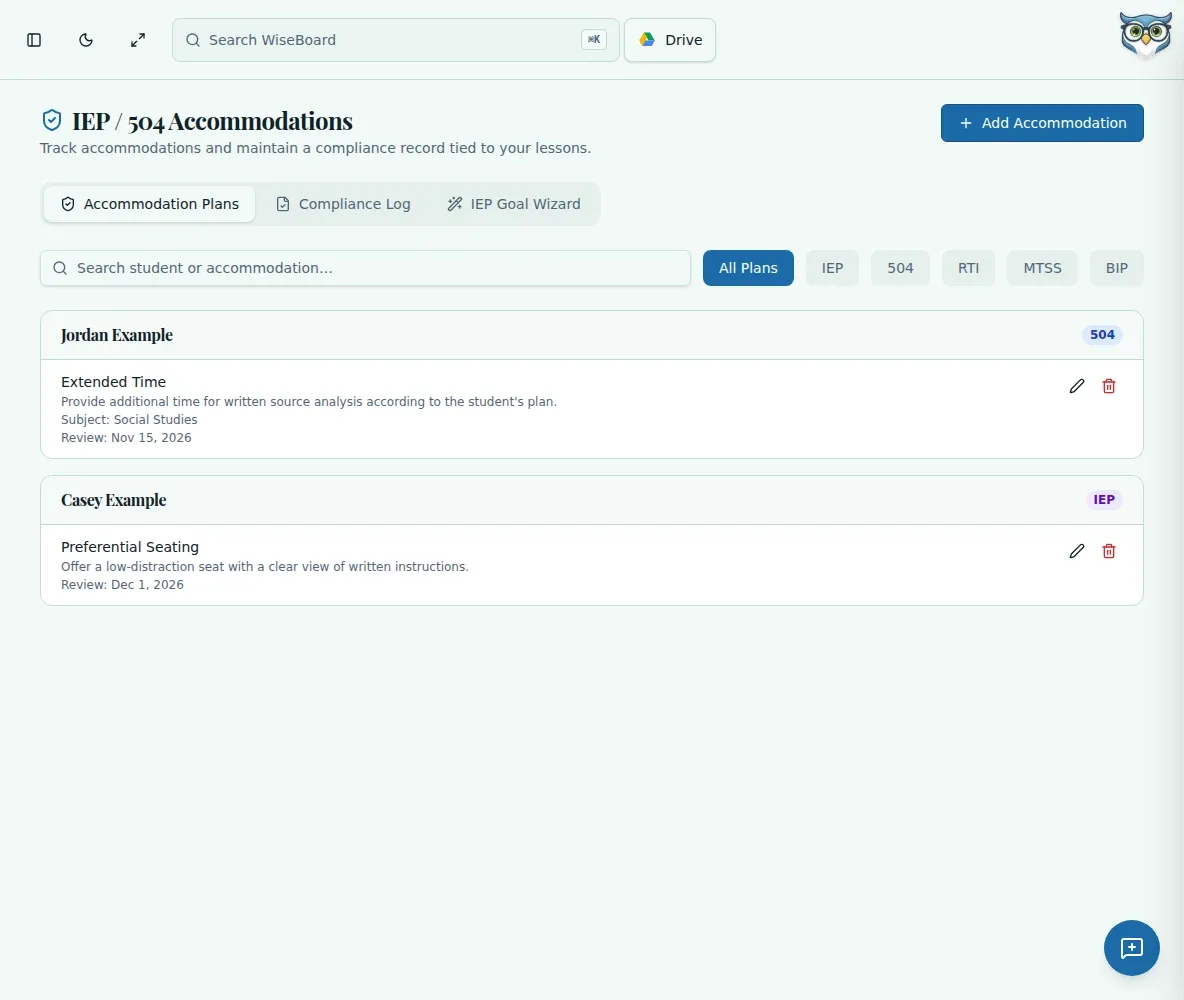
Group support details by student and plan type, with subject and review-date context.
Student support
Need to track classroom accommodations? Keep IEP, 504 and other plan details organized by student, then manually log when an accommodation was provided. The log is a teacher record, not independent proof of compliance.
See the workspace before you sign in.
01 / THE DIFFERENCE
Practical tools that leave the decisions with you.
Group support details by student and plan type, with subject and review-date context.
Add a compliance-log entry when an accommodation was provided in a lesson.
Search and print the manually entered log when you need to check your records.
02 / IN PRACTICE
A closer look at how this fits into your day.
Explore the interactive app demoAdd the student's plan type, subject, review date and private notes.
Enter the accommodation type and the lesson or date when it was provided.
Search the log and compare entries with the underlying plan.
03 / A CLOSER LOOK
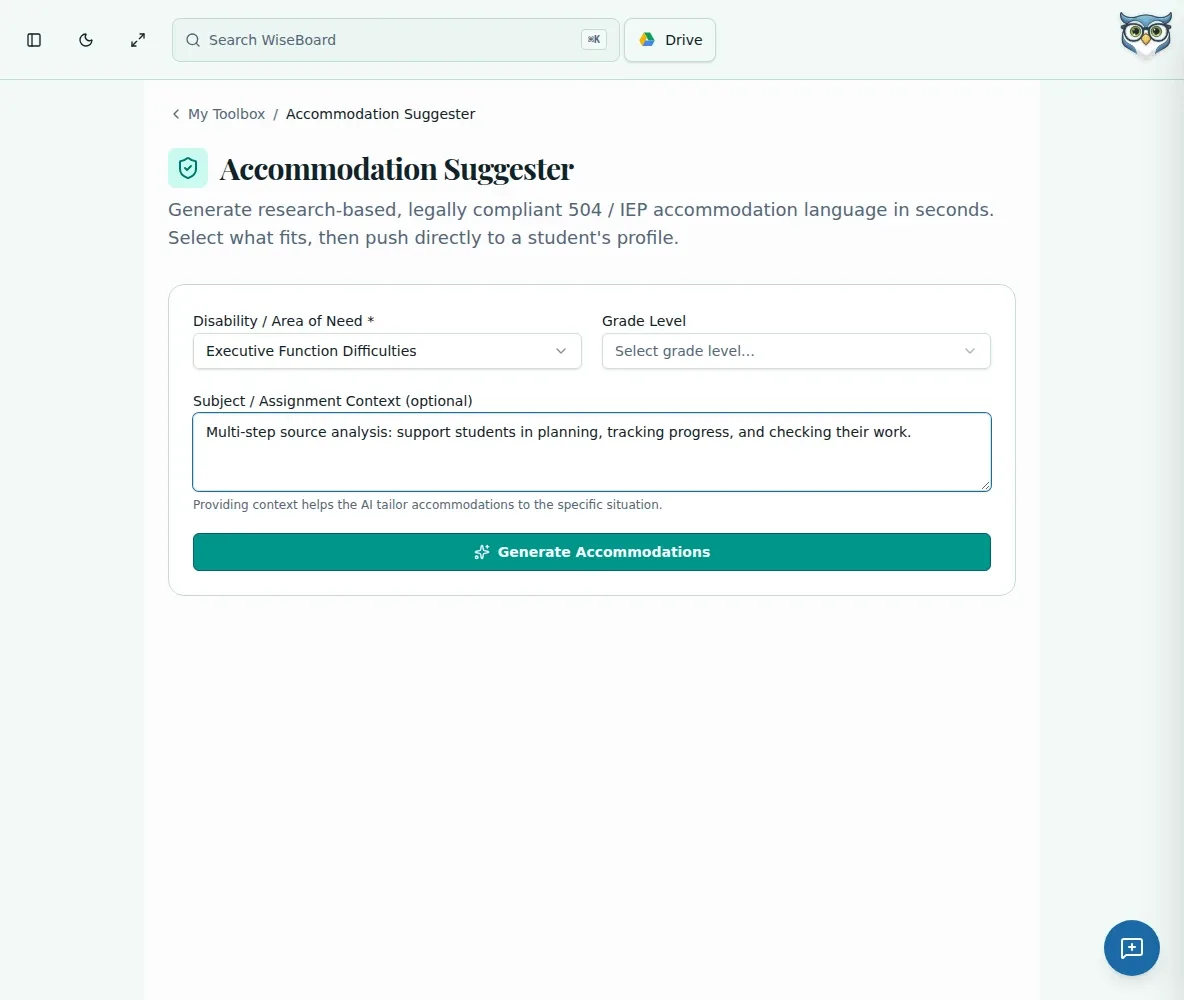
Related workflow view. This is not another screen of the primary feature.
WHAT THIS COULD LOOK LIKE
Check the student's applicable plan and your school's procedures before assigning work. If extra time is provided, add a manual log entry with the lesson and date. Review that entry against the actual plan; saving it does not verify delivery.
GOOD TO KNOW
A little more detail before you dive in.
No. The compliance log records entries supplied by the teacher; it does not independently verify delivery.
No. Use it as a teacher organization and documentation aid alongside required school processes.
YOUR WORKSPACE AWAITS
Explore WiseBoard on your own terms. Take a look around, or start your free trial.