 WiseBoard
Start from the lesson
Open Live Teach from a class, syllabus or lesson surface with the intended context.
Teaching tools
Start a teacher-led Live Teach session from your lesson context, use the available checks while teaching and review what students respond.
See the workspace before you sign in.
01 / THE DIFFERENCE
Practical tools that leave the decisions with you.
Open Live Teach from a class, syllabus or lesson surface with the intended context.
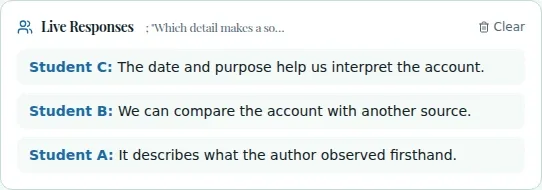
Use live checks and response review to see what students shared.
Save whether the lesson was complete, partial, skipped or needs rescheduling.
02 / IN PRACTICE
A closer look at how this fits into your day.
Explore the interactive app demoConfirm the right class and lesson before starting.
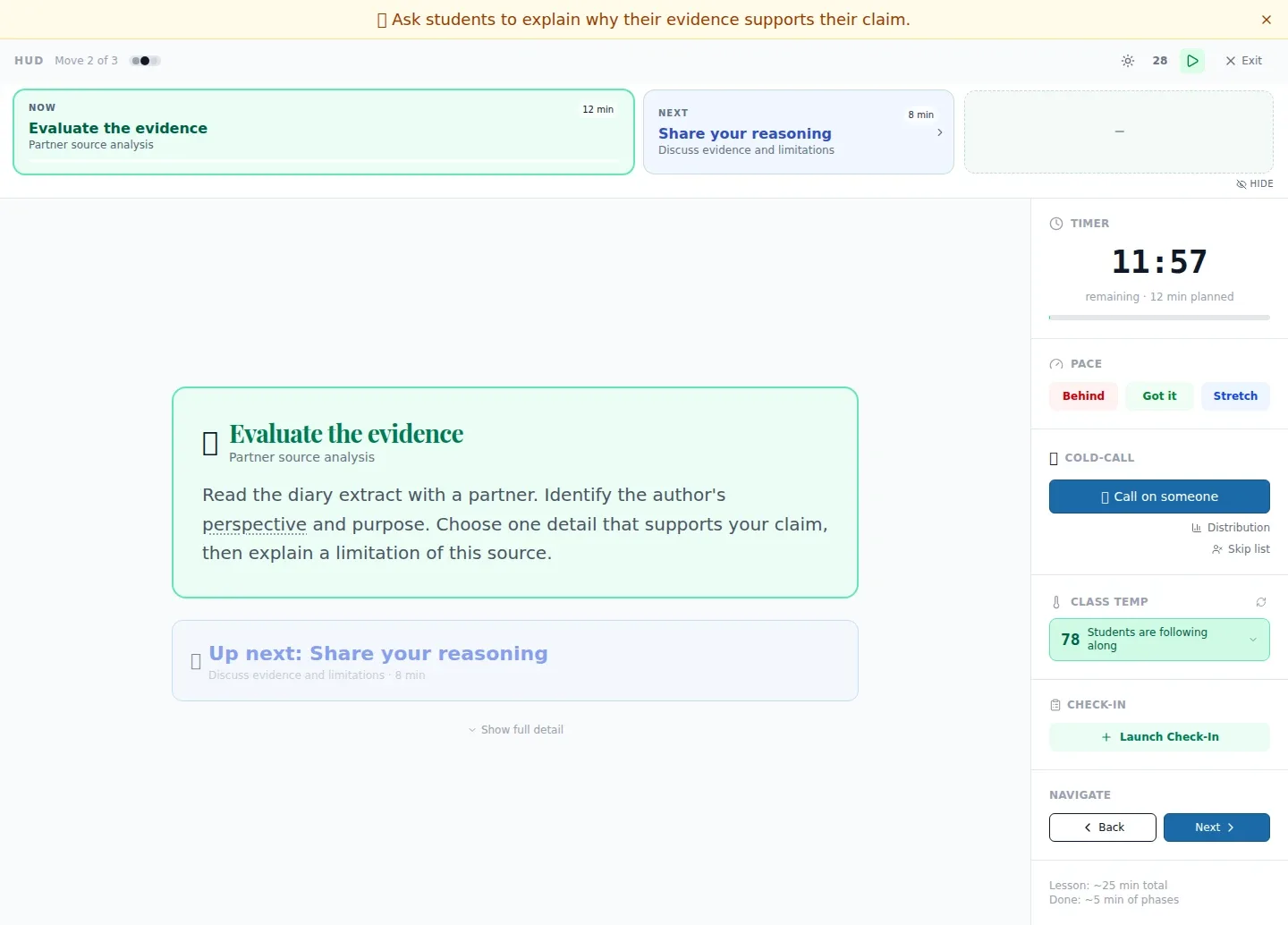
Use the live controls and review responses during the session.
Record the delivery outcome that matches what actually happened.
03 / A CLOSER LOOK
Another view of this feature's workspace.
WHAT THIS COULD LOOK LIKE
Launch from the planned lesson, pause for a live check and review responses before deciding whether to move on.
GOOD TO KNOW
A little more detail before you dive in.
No. The saved outcome describes lesson delivery, not proof of student mastery.
It can be opened from a class, syllabus, lesson or the Teacher Today view when a linked lesson is available.
YOUR WORKSPACE AWAITS
Explore WiseBoard on your own terms. Take a look around, or start your free trial.