 WiseBoard
Capture the useful details
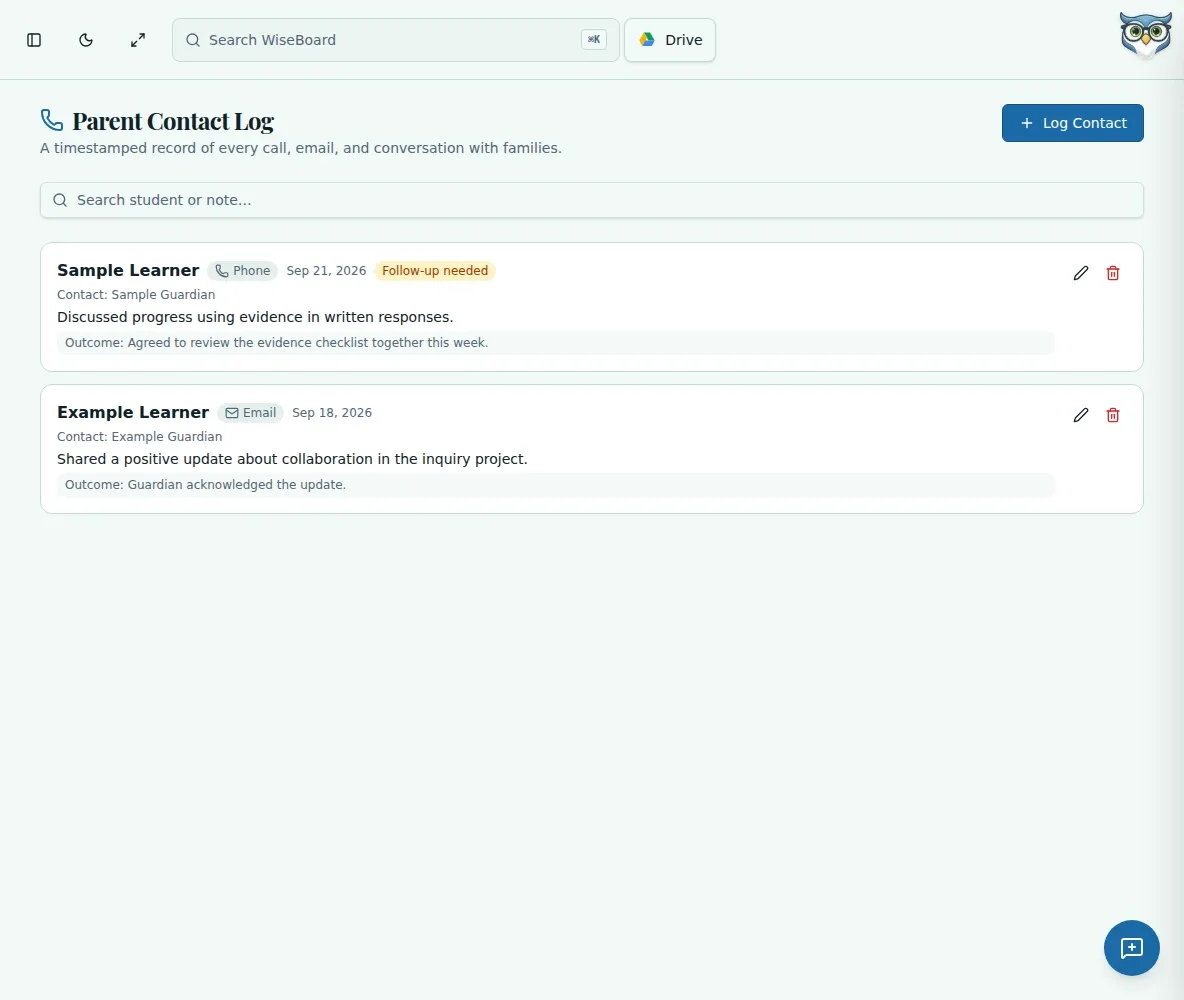
Record the student, date, contact method and a concise account of the conversation.
Family communication
After a phone call or conference, the details can blur into the rest of the day. Parent Contact Log gives you a place to enter what was discussed and what you plan to do next.
See the workspace before you sign in.
01 / THE DIFFERENCE
Practical tools that leave the decisions with you.
Record the student, date, contact method and a concise account of the conversation.
Add an outcome or follow-up note while the conversation is still fresh.
Use the page's search or filters to locate saved teacher-entered notes.
02 / IN PRACTICE
A closer look at how this fits into your day.
Explore the interactive app demoChoose Log Contact and enter the student, date and available contact method.
Add the contact name if useful, then write a brief summary, outcome and follow-up.
Log the entry and use search or filters when you need to find it later.
WHAT THIS COULD LOOK LIKE
After calling home about a reading goal, enter the date and contact method, summarize the agreed practice routine, and note when you will check in again. Keep the record factual and limited to the information needed for your follow-up.
GOOD TO KNOW
A little more detail before you dive in.
No. It records information you enter about a contact; it does not place calls or send messages.
Yes. Use the visible search or filters on the Parent Contact Log page to locate saved entries.
YOUR WORKSPACE AWAITS
Explore WiseBoard on your own terms. Take a look around, or start your free trial.