 WiseBoard
Browse by task
Scan the available tool categories instead of starting with a list of unrelated websites.
Teacher toolbox
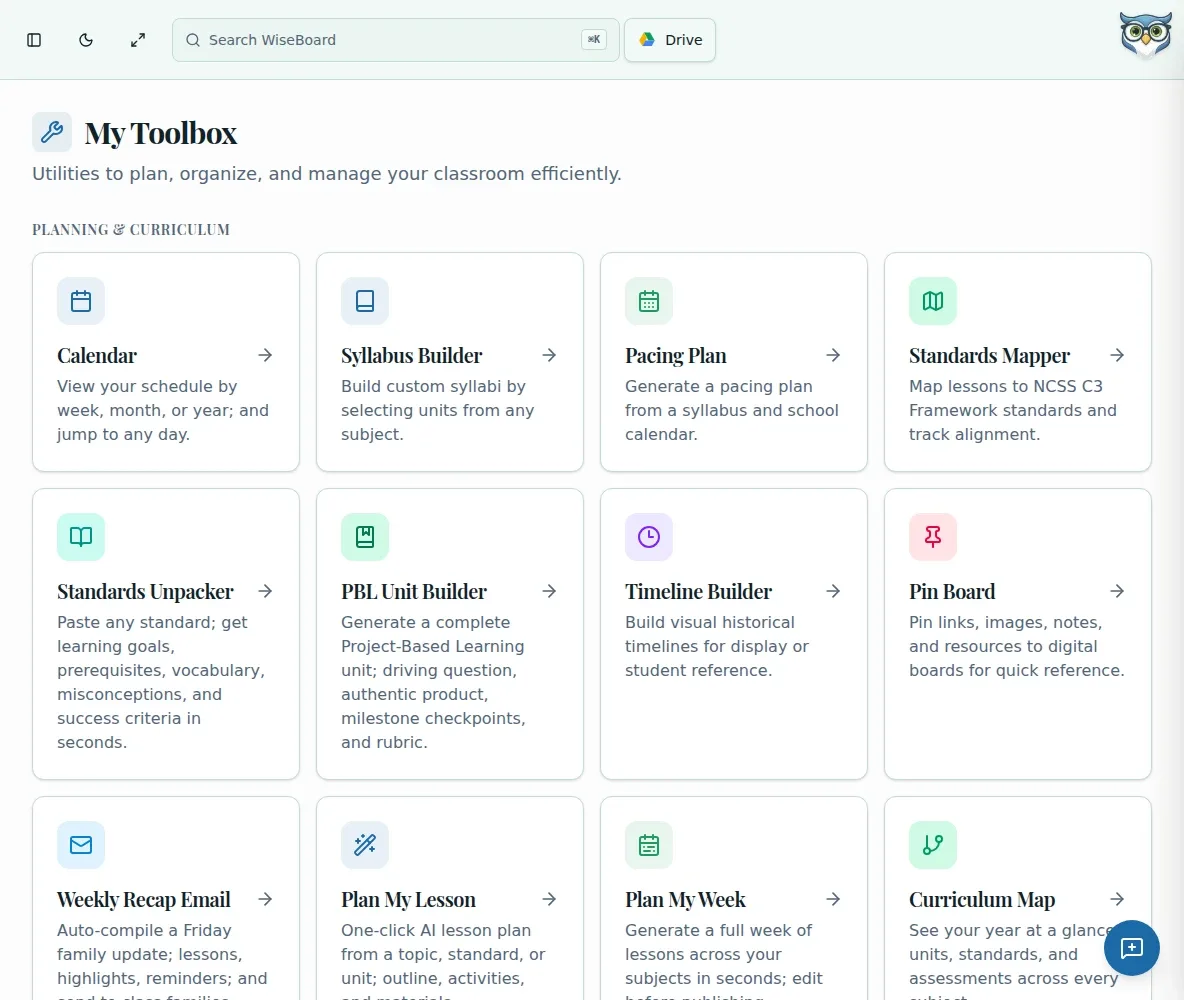
A warm-up, a printable organizer and a draft slide outline are different jobs. My Toolbox gives you an index of available classroom tools so you can choose a workflow, follow its controls and review the result.
See the workspace before you sign in.
01 / THE DIFFERENCE
Practical tools that leave the decisions with you.
Scan the available tool categories instead of starting with a list of unrelated websites.
Some entries are generators and others are references; use the inputs and controls shown for that tool.
Check and edit a generated draft before you copy, print or use it with students.
02 / IN PRACTICE
A closer look at how this fits into your day.
Explore the interactive app demoOpen My Toolbox and find a category related to the classroom task.
Choose a card or embedded tool and follow the inputs it requests.
Check any draft, then use the available copy, print or other control.
WHAT THIS COULD LOOK LIKE
Open the toolbox and choose a warm-up tool that matches the lesson topic. Supply the grade and prompt style it requests, then read the result and adjust wording or difficulty before displaying it.
GOOD TO KNOW
A little more detail before you dive in.
No. The page includes different kinds of entries, including references as well as tools that generate drafts. Check the individual tool's description and controls.
Review and edit generated content before copying, printing or using it with students.
YOUR WORKSPACE AWAITS
Explore WiseBoard on your own terms. Take a look around, or start your free trial.