 WiseBoard
Organize questions by topic
Create categories and question values that match the content you want to revisit.
Classroom game board
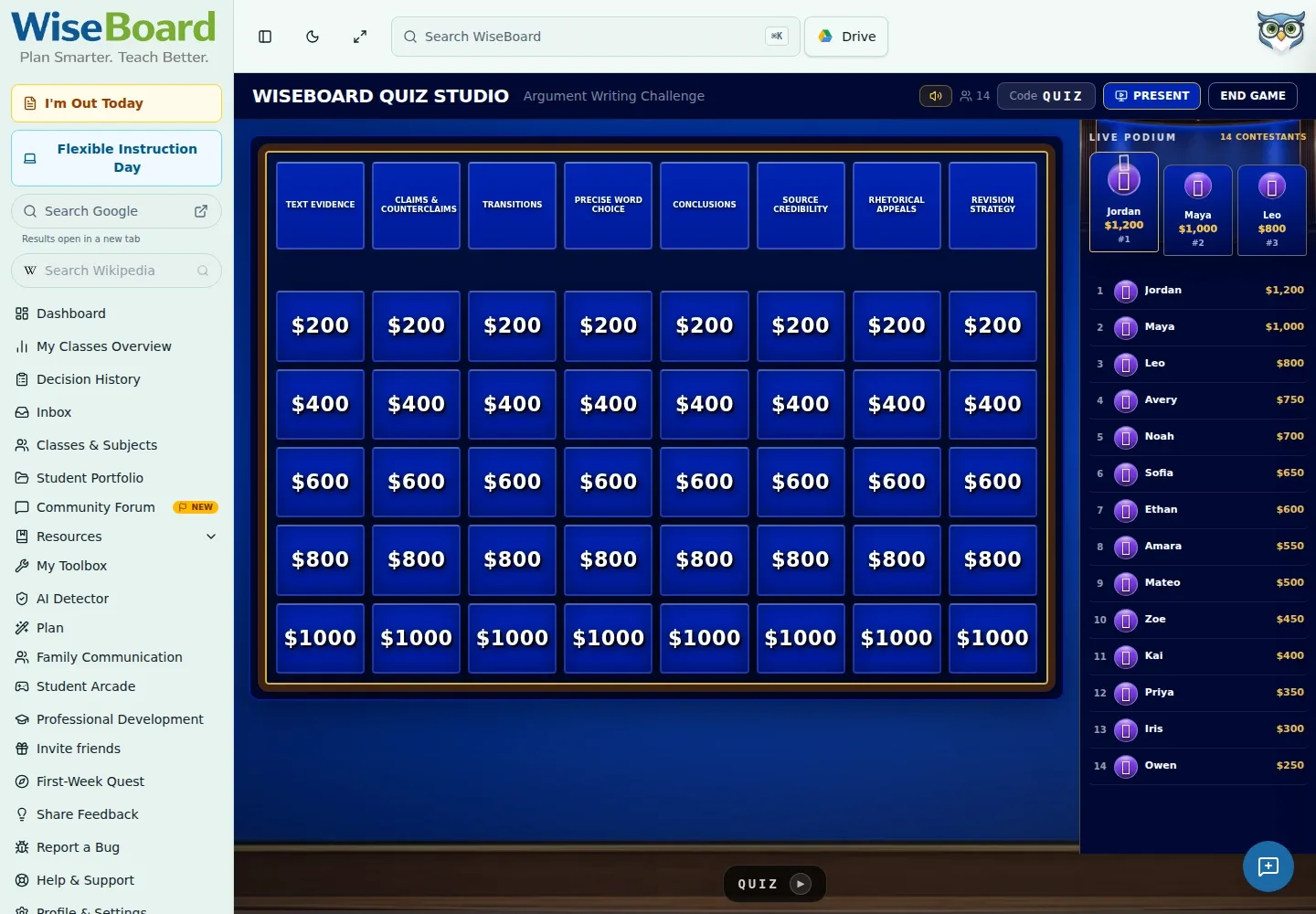
Jeopardy gives a review session a familiar board of categories and clue values. Build or fill the board, launch the teacher game and share its join details so students can take part from their devices.
See the workspace before you sign in.
01 / THE DIFFERENCE
Practical tools that leave the decisions with you.
Create categories and question values that match the content you want to revisit.
Add clues yourself or use the available Auto-Fill option.
Share the displayed QR code, room code or join URL from the teacher game route.
02 / IN PRACTICE
A closer look at how this fits into your day.
Explore the interactive app demoOpen Jeopardy and make a board with categories, then add clues or use Auto-Fill.
Select Launch to open the Jeopardy teacher game route.
Give students the join details from the game screen and run the board with its available controls.
WHAT THIS COULD LOOK LIKE
Create categories for vocabulary, models and evidence, and add clues at values that reflect increasing complexity. Check the clues, launch the board and ask teams to explain their reasoning after a response.
GOOD TO KNOW
A little more detail before you dive in.
Yes. The board supports customizable categories and clues, so you can shape the review around your content.
Share the QR code, room code or displayed /join/jeopardy URL from the teacher game screen.
YOUR WORKSPACE AWAITS
Explore WiseBoard on your own terms. Take a look around, or start your free trial.