 WiseBoard
Use a quiz that fits your class
Create a quiz or use the available Pip question-set launcher before the game.
Review together
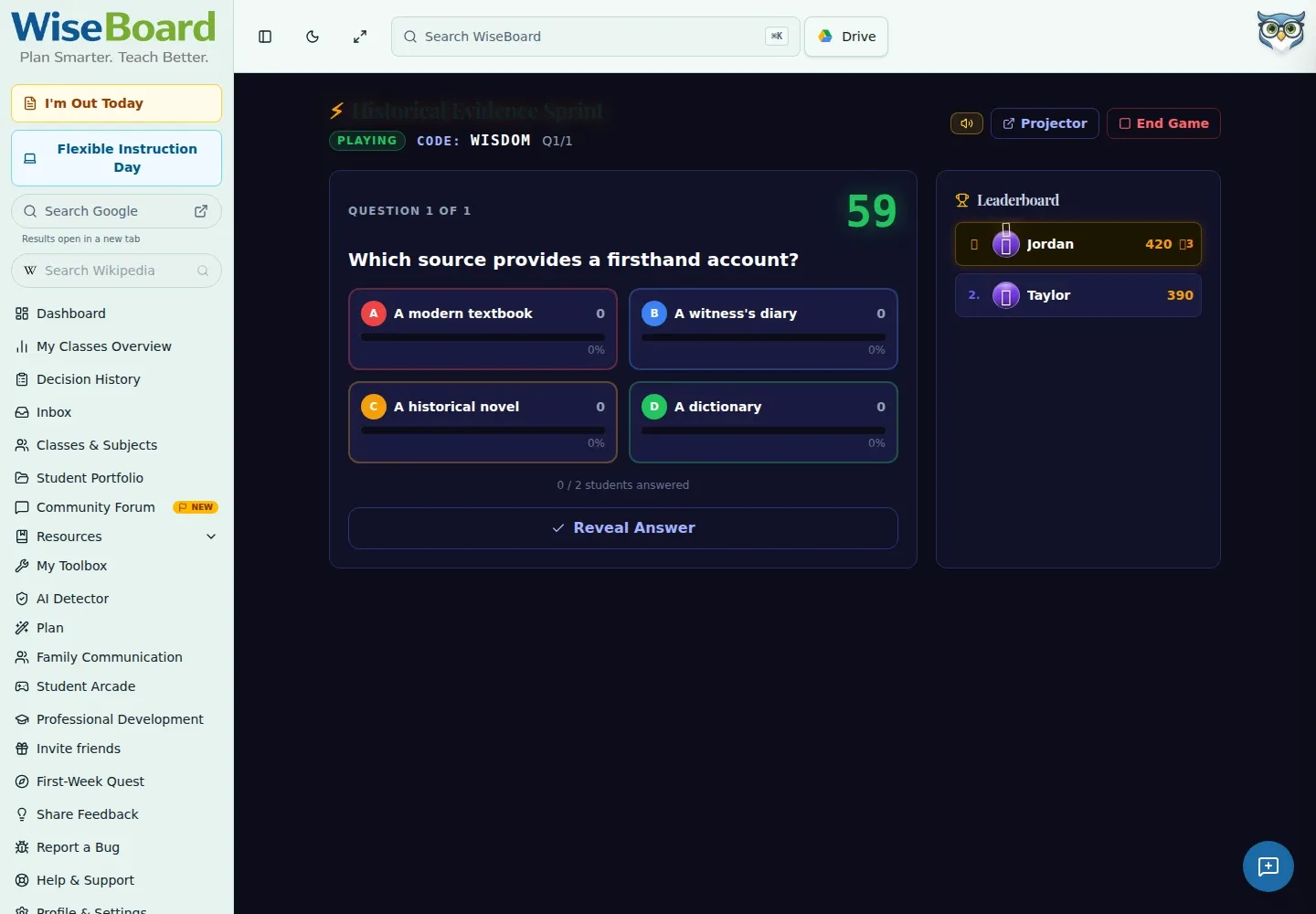
WiseUp turns a teacher-prepared question set into a live class review. Launch the quiz, share the join information displayed by the game and start when students have arrived in the lobby.
See the workspace before you sign in.
01 / THE DIFFERENCE
Practical tools that leave the decisions with you.
Create a quiz or use the available Pip question-set launcher before the game.
Share the displayed QR code, room code or join URL; students enter a name and wait in the lobby.
Review visible game results as formative context for deciding which ideas to revisit.
02 / IN PRACTICE
A closer look at how this fits into your day.
Explore the interactive app demoOpen WiseUp and create a quiz or use the available Pip question-set launcher.
Select Launch, then share the QR code, room code or displayed join URL from the teacher game screen.
Wait for students in the lobby, choose Start Game and run the projected questions while students respond on their devices.
WHAT THIS COULD LOOK LIKE
Prepare questions on the terms students will need, launch WiseUp and wait for the class to join. After the game, inspect which ideas need another explanation instead of treating the score as a final assessment.
GOOD TO KNOW
A little more detail before you dive in.
No app download or student account is needed to join the game in a browser.
No. Use performance as formative context to decide what may need further review.
YOUR WORKSPACE AWAITS
Explore WiseBoard on your own terms. Take a look around, or start your free trial.