 WiseBoard
Connect play to class content
Create a question set and optionally select a lesson before launching.
Two-player review
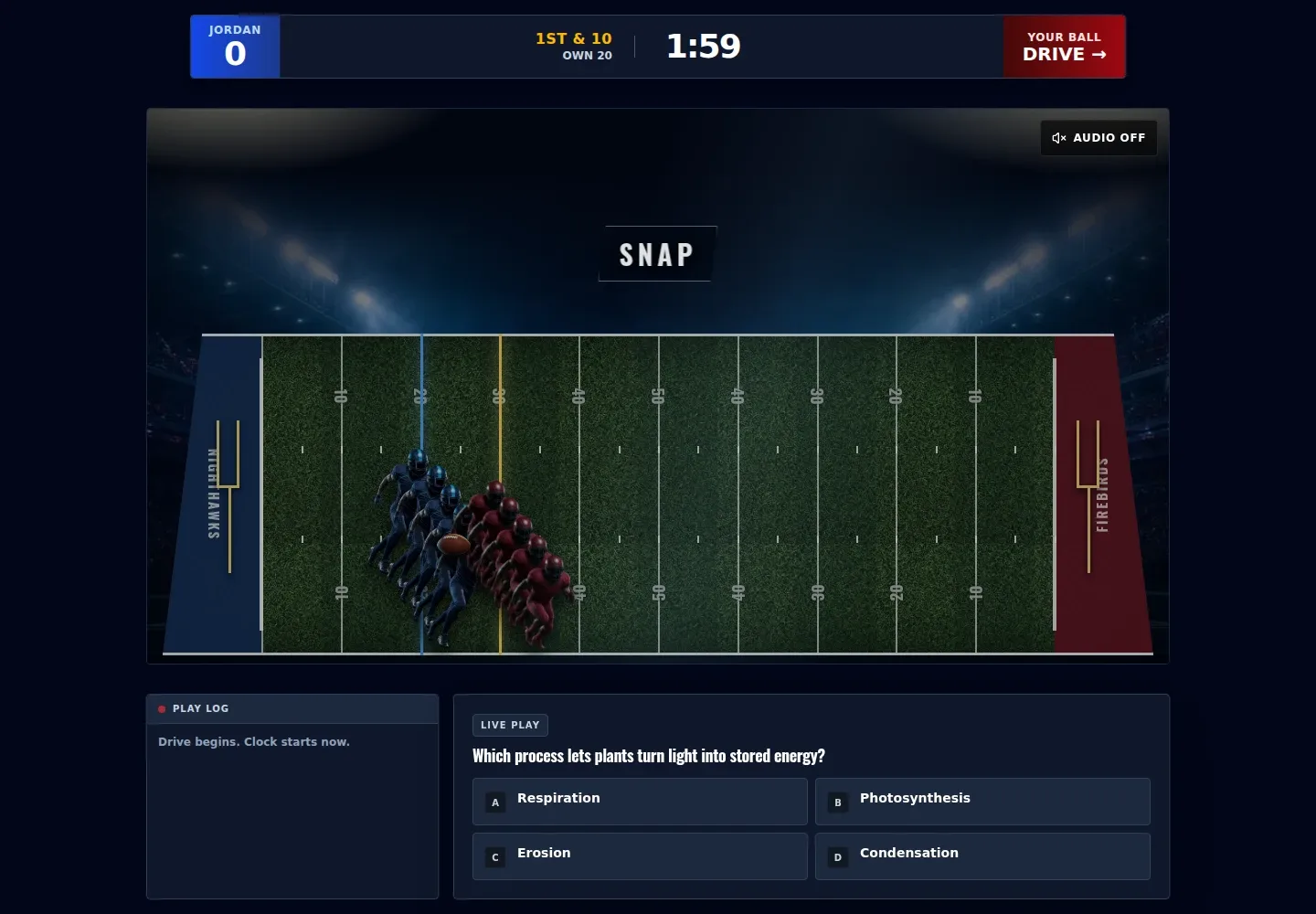
Head-to-Head Showdown is a teacher-launched football-themed review for two players. Prepare a question set, optionally connect it to a lesson and share the displayed join link and room code so each player can join on a device.
See the workspace before you sign in.
01 / THE DIFFERENCE
Practical tools that leave the decisions with you.
Create a question set and optionally select a lesson before launching.
The documented Showdown format is a two-player challenge with its own teacher launch flow.
Give players the displayed /join/football-showdown URL with its room-code parameter; the launch screen does not provide a QR join option.
02 / IN PRACTICE
A closer look at how this fits into your day.
Explore the interactive app demoCreate a set, optionally choose a lesson and wait for the questions to generate.
Choose Launch Head-to-Head Showdown for a populated set.
Share the displayed join URL and room code, then let both players use the game's visible flow on their devices.
WHAT THIS COULD LOOK LIKE
Build a populated set from a recent lesson and invite two students to play Head-to-Head Showdown. Share the displayed URL with its room code rather than looking for a QR option on the launch screen.
GOOD TO KNOW
A little more detail before you dive in.
No. This is the teacher-launched, two-player Head-to-Head Showdown. The separate solo Two-Minute Drill is in Arcade and needs no teacher setup.
No QR join option is provided on this launch screen. Share the displayed /join/football-showdown URL with its room-code parameter.
YOUR WORKSPACE AWAITS
Explore WiseBoard on your own terms. Take a look around, or start your free trial.