 WiseBoard
Choose the review content
Create a question set and optionally choose a lesson before generating its questions.
Two-player review
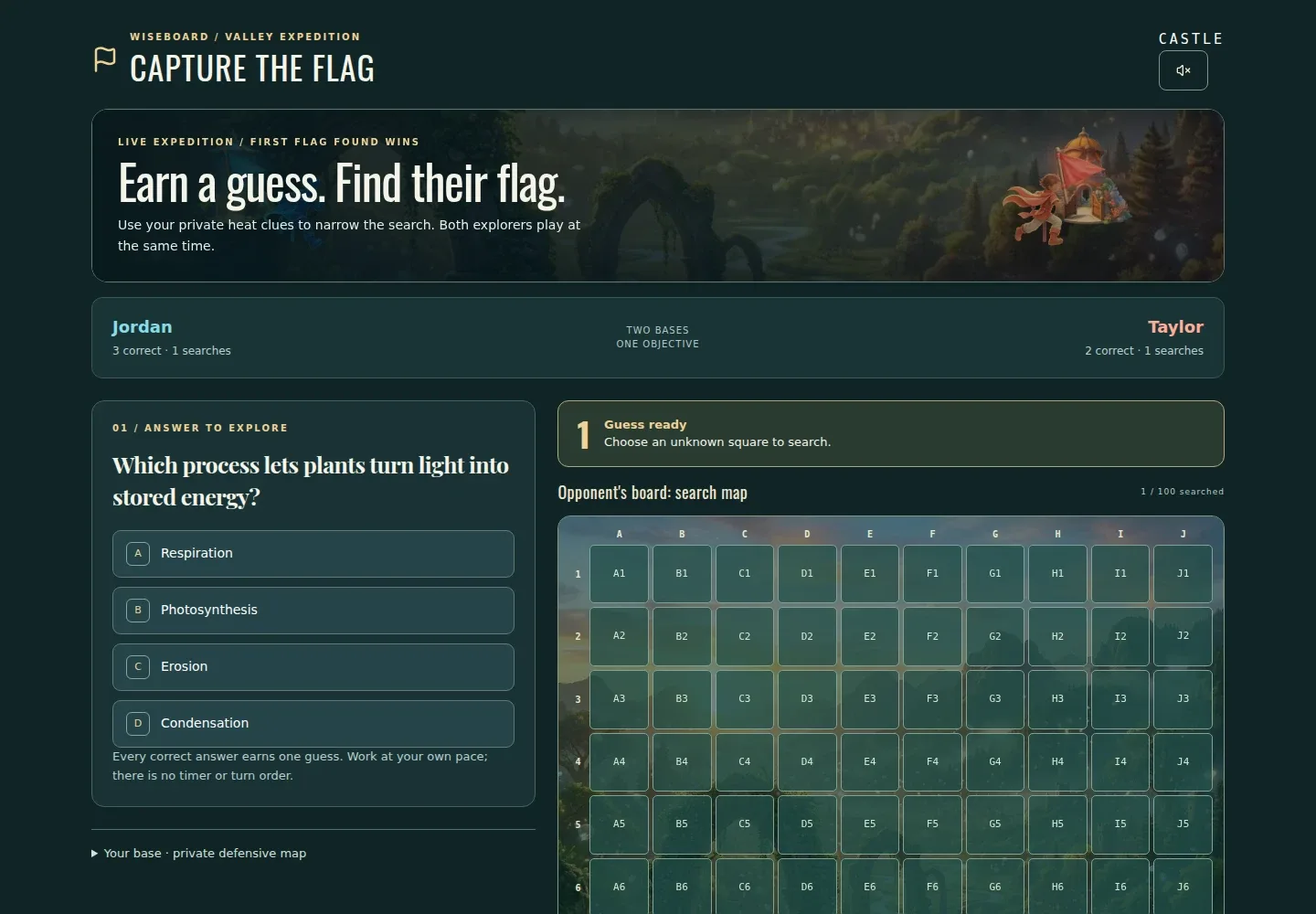
Capture the Flag is a two-player review game where correct answers help players capture the opposing flag. Prepare a question set for the topic you want to revisit, then launch and facilitate the activity from the teacher page.
See the workspace before you sign in.
01 / THE DIFFERENCE
Practical tools that leave the decisions with you.
Create a question set and optionally choose a lesson before generating its questions.
Use the two-player flag challenge to bring energy to a focused review.
Facilitate from the launch page while players use their own devices.
02 / IN PRACTICE
A closer look at how this fits into your day.
Explore the interactive app demoOpen Capture the Flag, create a set, optionally choose a lesson and generate its questions.
Select Launch Capture the Flag once the question set is ready.
Share the QR code, room code or displayed /join/capture-flag URL from the teacher page.
WHAT THIS COULD LOOK LIKE
Prepare a set with questions on the concepts students will need for the assessment. Launch Capture the Flag, invite two players and use the responses as a prompt for any follow-up review.
GOOD TO KNOW
A little more detail before you dive in.
Capture the Flag is described as a two-player review game.
The teacher page shows a QR code, room code and /join/capture-flag URL.
YOUR WORKSPACE AWAITS
Explore WiseBoard on your own terms. Take a look around, or start your free trial.