 WiseBoard
Set up a race for your group
Choose the number of horses and optionally link the race to a lesson.
Animated review
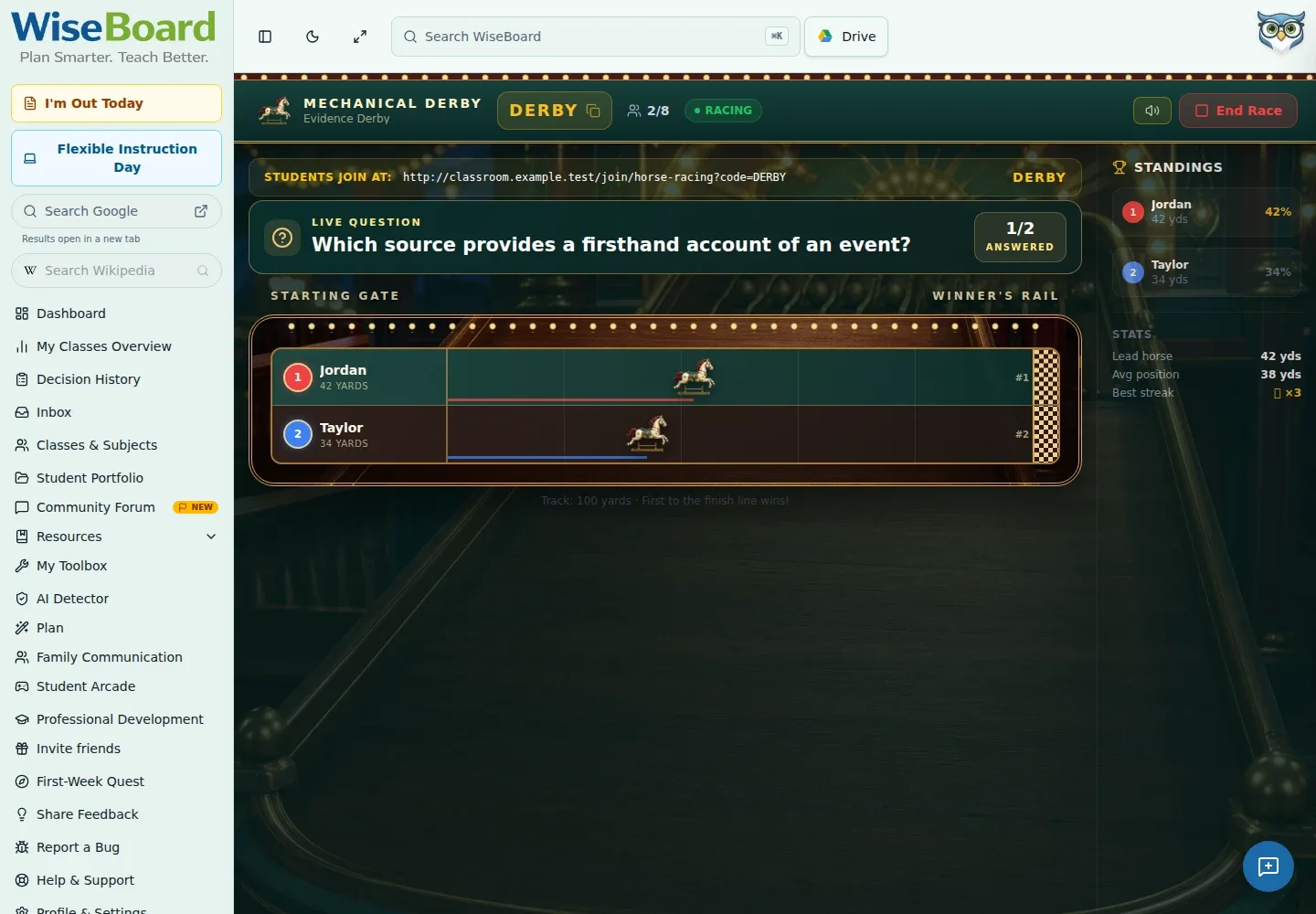
Horse Racing gives joined players a horse on an animated track, with correct answers advancing each horse toward the finish. Create a race, prepare its questions and start once at least two players have joined.
See the workspace before you sign in.
01 / THE DIFFERENCE
Practical tools that leave the decisions with you.
Choose the number of horses and optionally link the race to a lesson.
Students answer on their devices as the horses move along the track toward its displayed finish distance.
Wait for at least two players to join before starting the race.
02 / IN PRACTICE
A closer look at how this fits into your day.
Explore the interactive app demoOpen Horse Racing, set the number of horses and optionally link a lesson.
Prepare the race question set, then choose Launch Race.
Share the QR code, room code or displayed join URL. Start the race once at least two players have joined.
WHAT THIS COULD LOOK LIKE
Create a race for a suitable group size, generate and check the question set, then launch. Share the join details and start once at least two students are in; use the race as practice rather than a graded assessment.
GOOD TO KNOW
A little more detail before you dive in.
At least two players must have joined before the race starts.
Yes. The race setup optionally lets you link a lesson.
YOUR WORKSPACE AWAITS
Explore WiseBoard on your own terms. Take a look around, or start your free trial.