 WiseBoard
Group planning by subject
Keep the units and lessons you create under the subject where you teach them.
Curriculum planning
A lesson is easier to find when it belongs to the course sequence you are teaching. Create and edit units and lessons from a subject in Classes, then check the saved content before using a teaching action.
See the workspace before you sign in.
01 / THE DIFFERENCE
Practical tools that leave the decisions with you.
Keep the units and lessons you create under the subject where you teach them.
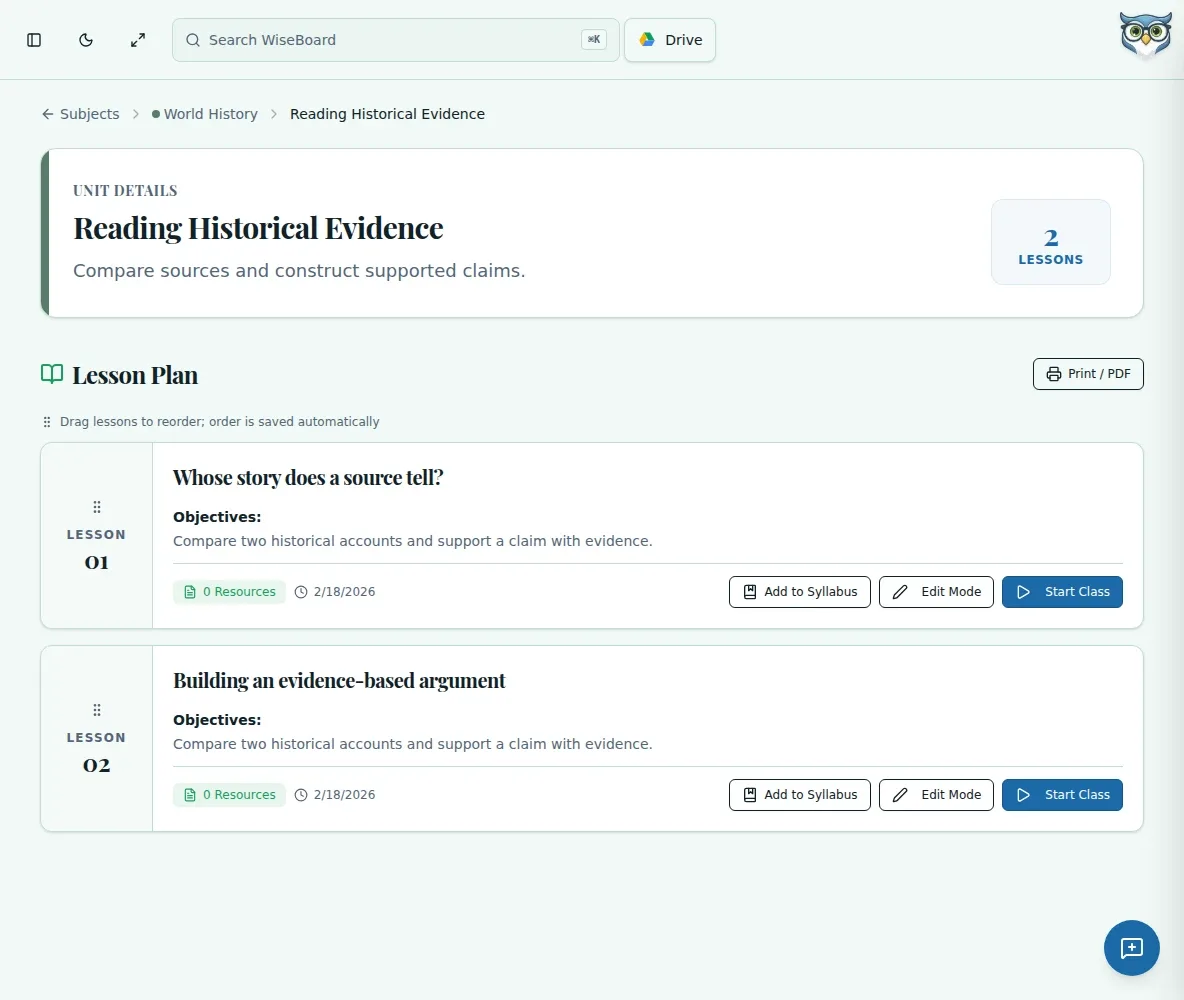
Open a subject, create a unit and work inside it to add or edit lessons.
Check lesson content and save it before opening an available teaching action.
02 / IN PRACTICE
A closer look at how this fits into your day.
Explore the interactive app demoChoose a subject card on the Classes page.
Use the available unit control, then open a unit and use its lesson control.
Check your lesson content, save it and choose a teaching action only when available.
WHAT THIS COULD LOOK LIKE
Open the science subject, create a unit for the current topic and add lessons in the order students will meet the ideas. Review each lesson for the class and grade context before using a teaching action.
GOOD TO KNOW
A little more detail before you dive in.
Use a duplicate action when it is available, then review the copy for its new class or grade context.
Open Classes, select the subject and unit, then use the lesson controls shown for that workflow.
YOUR WORKSPACE AWAITS
Explore WiseBoard on your own terms. Take a look around, or start your free trial.