 WiseBoard
Choose dates that fit your school
Replace example dates with your own events, names and emojis.
Teacher wellness
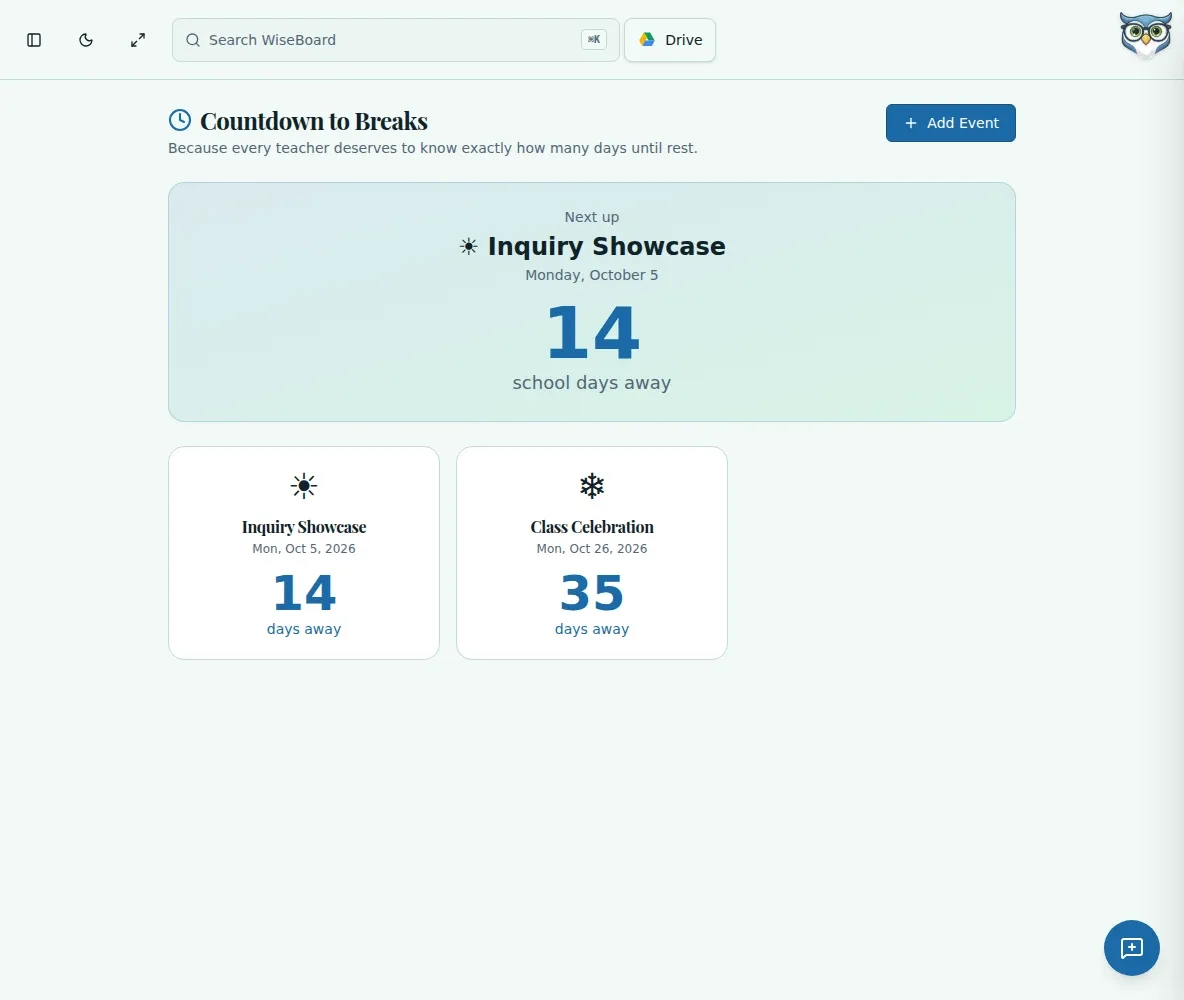
Long stretches between breaks can feel longer when there is nothing on the horizon. Add your own event and let Countdown to Breaks show the calendar-day count as a cheerful classroom touchpoint.
See the workspace before you sign in.
01 / THE DIFFERENCE
Practical tools that leave the decisions with you.
Replace example dates with your own events, names and emojis.
Review the next event and its calendar-day difference.
Show the countdown to students as a motivational display during a demanding week.
02 / IN PRACTICE
A closer look at how this fits into your day.
Explore the interactive app demoChoose Add Event and enter a name, date and emoji.
Review the next event and calendar-day count, then update dates to match your calendar.
Share the page with students when a little anticipation helps the class.
WHAT THIS COULD LOOK LIKE
Add the date of a class celebration with a short name and emoji. Put the page on the classroom display during a busy stretch and talk through the calendar-day count, not an instructional-day estimate.
GOOD TO KNOW
A little more detail before you dive in.
No. It shows calendar-day counts, not instructional-day calculations.
Events use the current browser's local storage and are not automatically synchronized with your academic calendar.
YOUR WORKSPACE AWAITS
Explore WiseBoard on your own terms. Take a look around, or start your free trial.