 WiseBoard
Give the meeting a useful shape
Record the agenda and notes together instead of reconstructing them from separate documents.
Professional learning
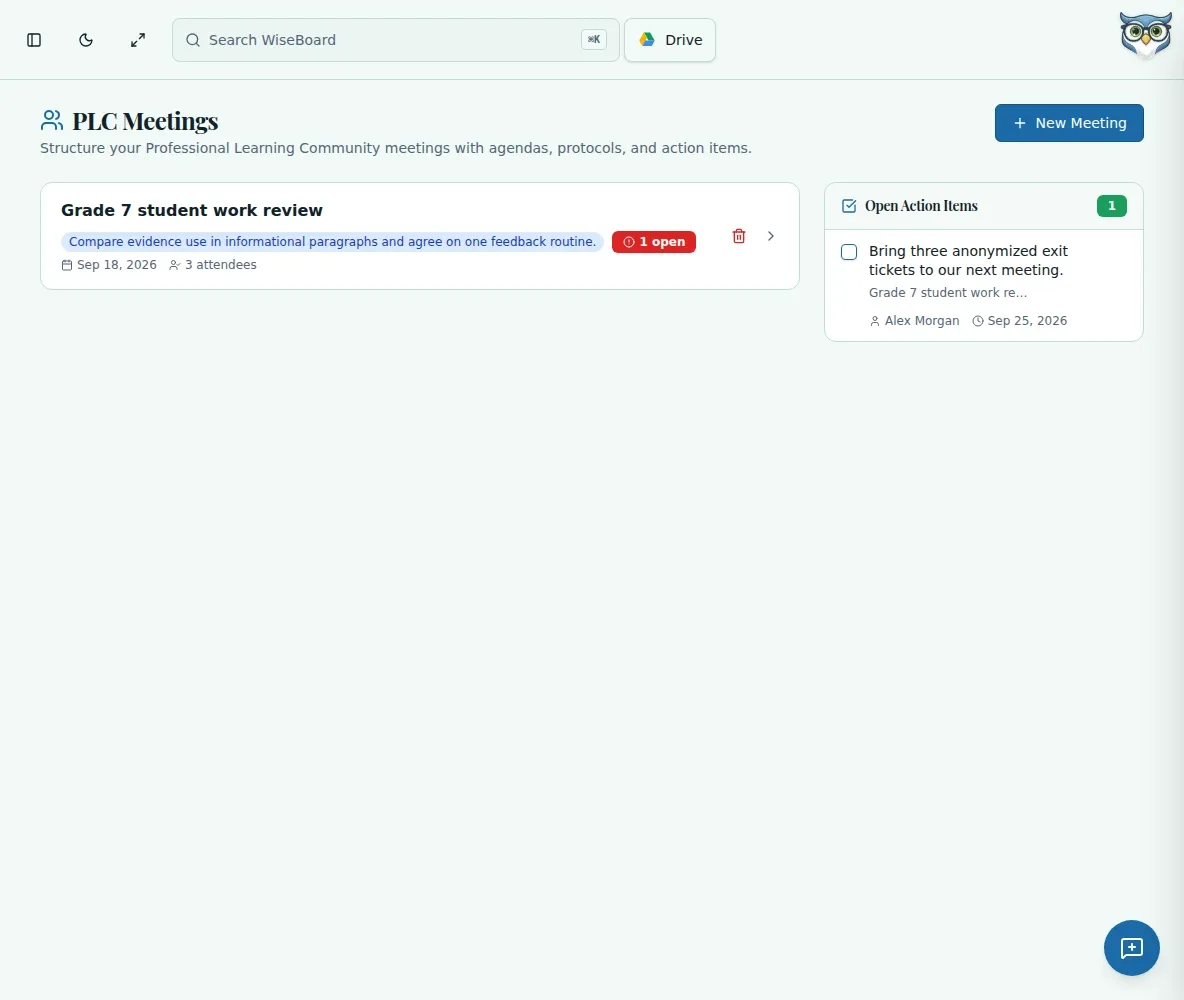
Use PLC Meetings to keep the agenda, discussion notes, and follow-through in one teacher-facing record. Assign each action item an owner and due date, then check the summary and recipients before printing or sending.
See the workspace before you sign in.
01 / THE DIFFERENCE
Practical tools that leave the decisions with you.
Record the agenda and notes together instead of reconstructing them from separate documents.
Attach an owner and due date to each action item.
Print a meeting summary or select and verify email recipients before sending.
02 / IN PRACTICE
A closer look at how this fits into your day.
Explore the interactive app demoGo to PLC Meetings and enter the agenda, notes, and requested meeting details.
Record action items with specific owners and due dates.
Check the meeting detail, then print or select recipients and inspect the send result.
WHAT THIS COULD LOOK LIKE
Capture the shared misconception in the notes, assign one colleague to bring a reteach example by a due date, and record another owner for the next check-in. Review names and recipients before emailing the summary.
GOOD TO KNOW
A little more detail before you dive in.
No. Use Send Meeting Summary only after selecting and checking the recipients and any copy-to-self setting.
Record a specific owner and due date so the team can tell who will do what and when.
YOUR WORKSPACE AWAITS
Explore WiseBoard on your own terms. Take a look around, or start your free trial.