 WiseBoard
Choose a response format
Create either a multiple-choice or free-response poll around the question you want to ask.
Formative check
A quick poll can surface what students think before you reveal the answer or start a discussion. Create a multiple-choice or free-response question, open the poll for your class and review the responses as formative context.
See the workspace before you sign in.
01 / THE DIFFERENCE
Practical tools that leave the decisions with you.
Create either a multiple-choice or free-response poll around the question you want to ask.
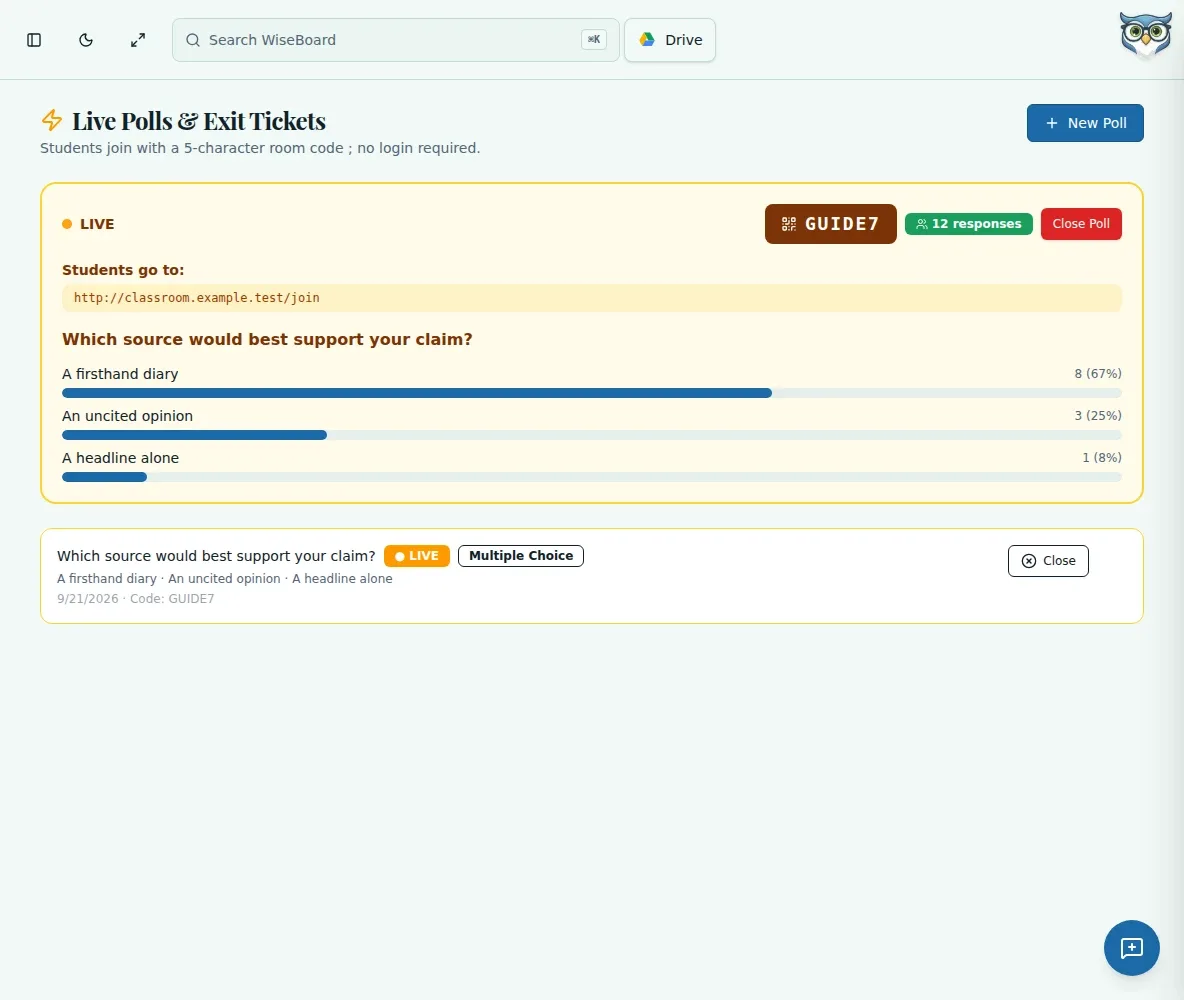
Share the room code and join address displayed for the open poll.
Review submitted responses without treating a poll result as automatic proof of mastery.
02 / IN PRACTICE
A closer look at how this fits into your day.
Explore the interactive app demoOpen Live Polls, choose Create Live Poll and enter your question and available response options.
Choose the response format, create the poll and open the saved poll.
Share the displayed room code and join address, then review the responses students submit.
WHAT THIS COULD LOOK LIKE
Ask students to choose which explanation best fits a science observation. Open the poll, share its join details, then review the responses and ask students to explain their reasoning.
GOOD TO KNOW
A little more detail before you dive in.
No. Poll responses are formative context to guide discussion and do not automatically establish mastery.
Share the room code and join address shown for the open poll.
YOUR WORKSPACE AWAITS
Explore WiseBoard on your own terms. Take a look around, or start your free trial.