 WiseBoard
Use the measure you collected
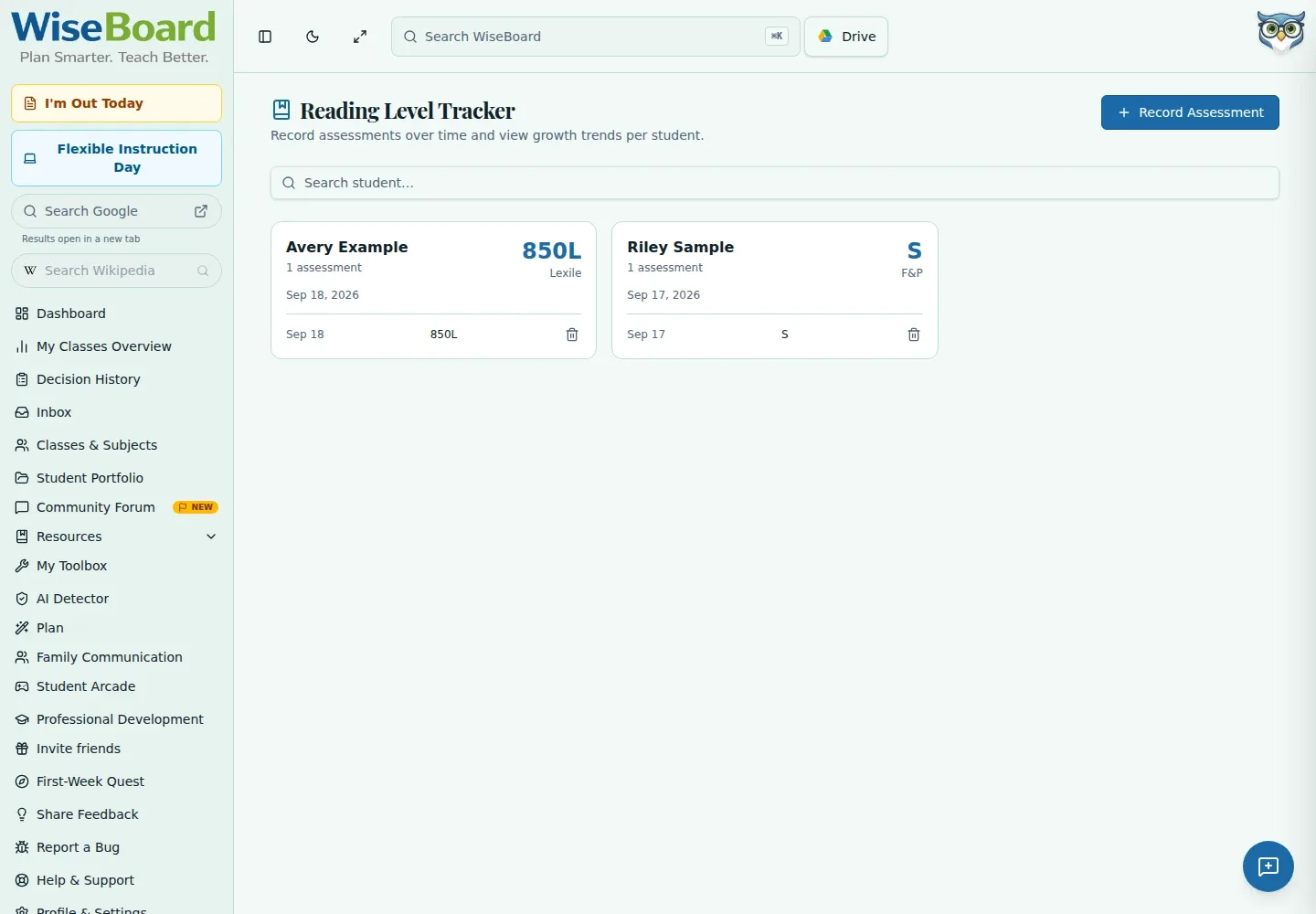
Record a level or score with Lexile, Fountas & Pinnell, AR or a custom measurement system.
Reading instruction
A student's reading picture develops over time. Record an assessment with its measurement system and date, then return to that student's assessment history and chart when planning texts or a small-group conversation.
See the workspace before you sign in.
01 / THE DIFFERENCE
Practical tools that leave the decisions with you.
Record a level or score with Lexile, Fountas & Pinnell, AR or a custom measurement system.
Add later assessments using the same student name to keep observations available over time.
Search for a student and open their card to see saved assessments and a growth chart.
02 / IN PRACTICE
A closer look at how this fits into your day.
Explore the interactive app demoOpen Reading Levels and choose Record Assessment.
Add the student name, level or score, measurement system and assessment date, with optional notes.
Search for the student and select their card to review recorded assessments and the chart.
WHAT THIS COULD LOOK LIKE
Record each student's recent assessment with the measure and date. When planning a group, review each student's history and use the chart as context, while checking the underlying records rather than comparing unlike measurement systems.
GOOD TO KNOW
A little more detail before you dive in.
No. The chart parses numeric scores and does not make different measurement systems comparable.
No. The documented page has no class selector or target-date setting.
YOUR WORKSPACE AWAITS
Explore WiseBoard on your own terms. Take a look around, or start your free trial.