 WiseBoard
Make the sequence visible
Give each event a date and a name, with optional description for context.
Classroom tools
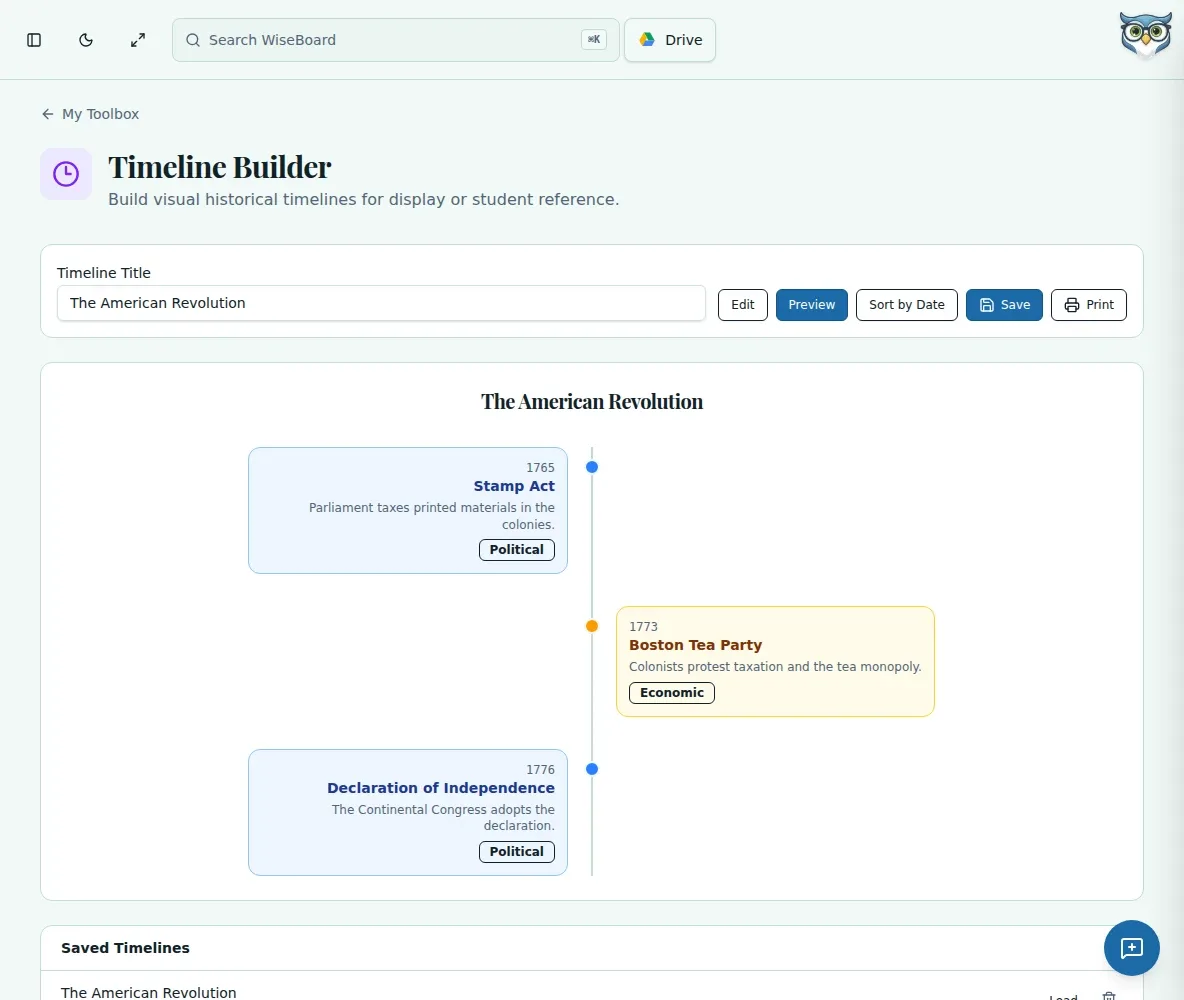
Put dates, events and context into a sequence students can follow. WiseBoard's timeline builder lets you add and edit events, preview the result and print it for class.
See the workspace before you sign in.
01 / THE DIFFERENCE
Practical tools that leave the decisions with you.
Give each event a date and a name, with optional description for context.
Add, edit or remove entries as the focus of the lesson changes.
Preview the timeline and print a copy to share or use as a teaching aid.
02 / IN PRACTICE
A closer look at how this fits into your day.
Explore the interactive app demoEnter the dates and events you want students to compare.
Write short descriptions and adjust the order or content.
Check the finished sequence, then use your browser's print controls.
WHAT THIS COULD LOOK LIKE
Put the key events of a period in sequence, then ask students to explain which changes happened first and which took longer to unfold.
GOOD TO KNOW
A little more detail before you dive in.
Yes. You can add, edit and remove timeline events.
This tool keeps its working timeline in the current browser's local storage. It is not a shared class record.
YOUR WORKSPACE AWAITS
Explore WiseBoard on your own terms. Take a look around, or start your free trial.