 WiseBoard
Get a first driving question on the page
Use the generated question as a hypothesis to refine with students, not as a finished assignment.
Unit planning
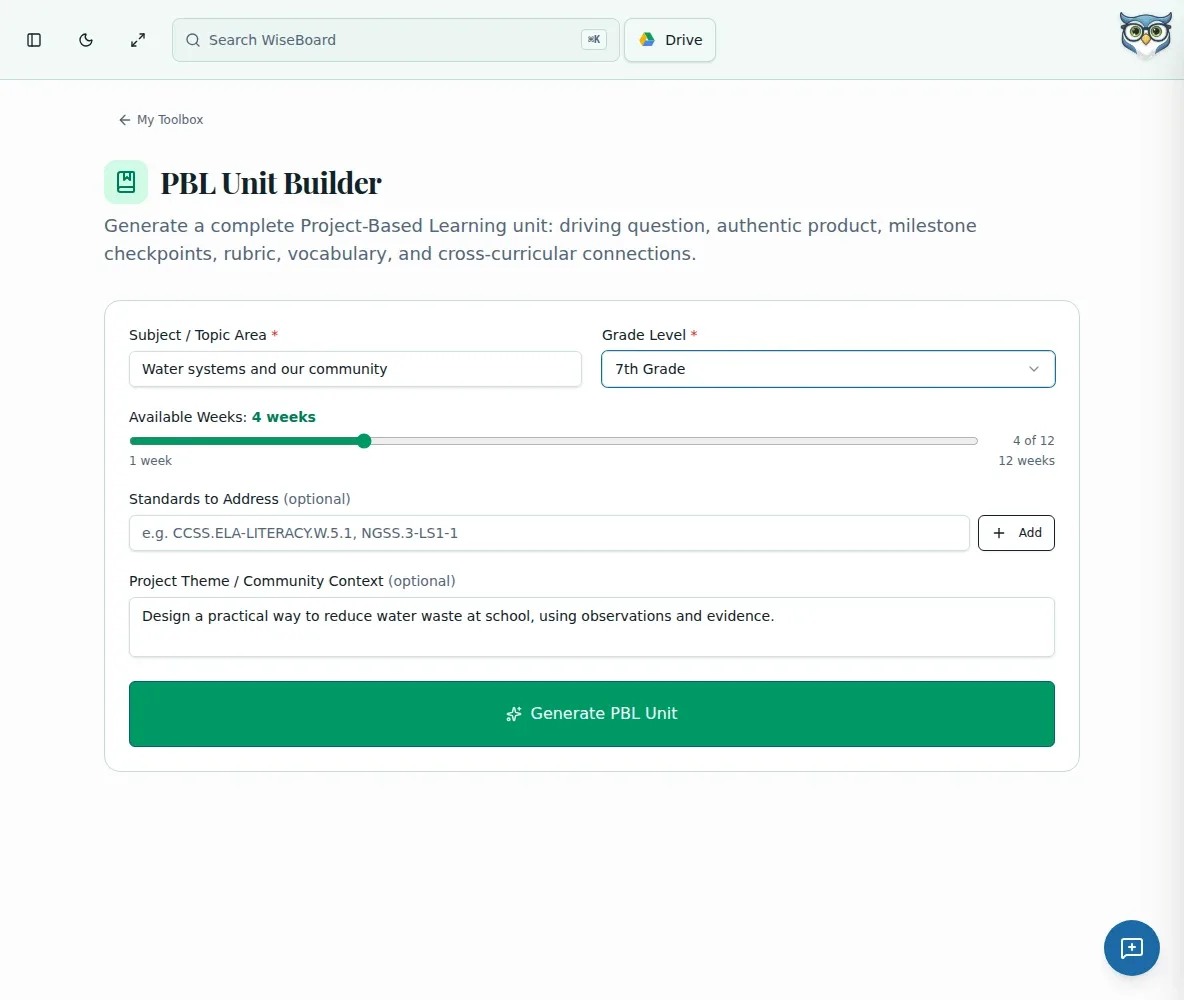
Set the subject, grade, real-world theme, and approximate unit length to draft a project-based learning outline. Review its driving question, milestones, assessment criteria, and suggested resources, then adapt the plan to your standards, calendar, and students.
See the workspace before you sign in.
01 / THE DIFFERENCE
Practical tools that leave the decisions with you.
Use the generated question as a hypothesis to refine with students, not as a finished assignment.
Review proposed milestones and resources against the weeks you actually have.
Inspect suggested assessment criteria and revise them to fit the project's learning goals.
02 / IN PRACTICE
A closer look at how this fits into your day.
Explore the interactive app demoEnter subject, grade, a real-world theme or problem, and approximate number of weeks.
Request a unit and review its driving question, milestones, rubric criteria, and resources.
Revise the question and timing for your class, then expand a milestone into a lesson plan if useful.
WHAT THIS COULD LOOK LIKE
Enter the grade, subject, and a local water-quality problem with the number of weeks available. Review whether the driving question invites evidence gathering, adjust milestones to fit the calendar, and refine the assessment criteria before introducing the project.
GOOD TO KNOW
A little more detail before you dive in.
No. Review feasibility, standards fit, timing, and the driving question, then adapt the outline to your class.
Yes. The guide recommends treating the draft as a hypothesis and refining it with students on day one.
YOUR WORKSPACE AWAITS
Explore WiseBoard on your own terms. Take a look around, or start your free trial.