 WiseBoard
Return to a recent packet
Browse saved packets and inspect their lesson and generation details.
Teacher organization
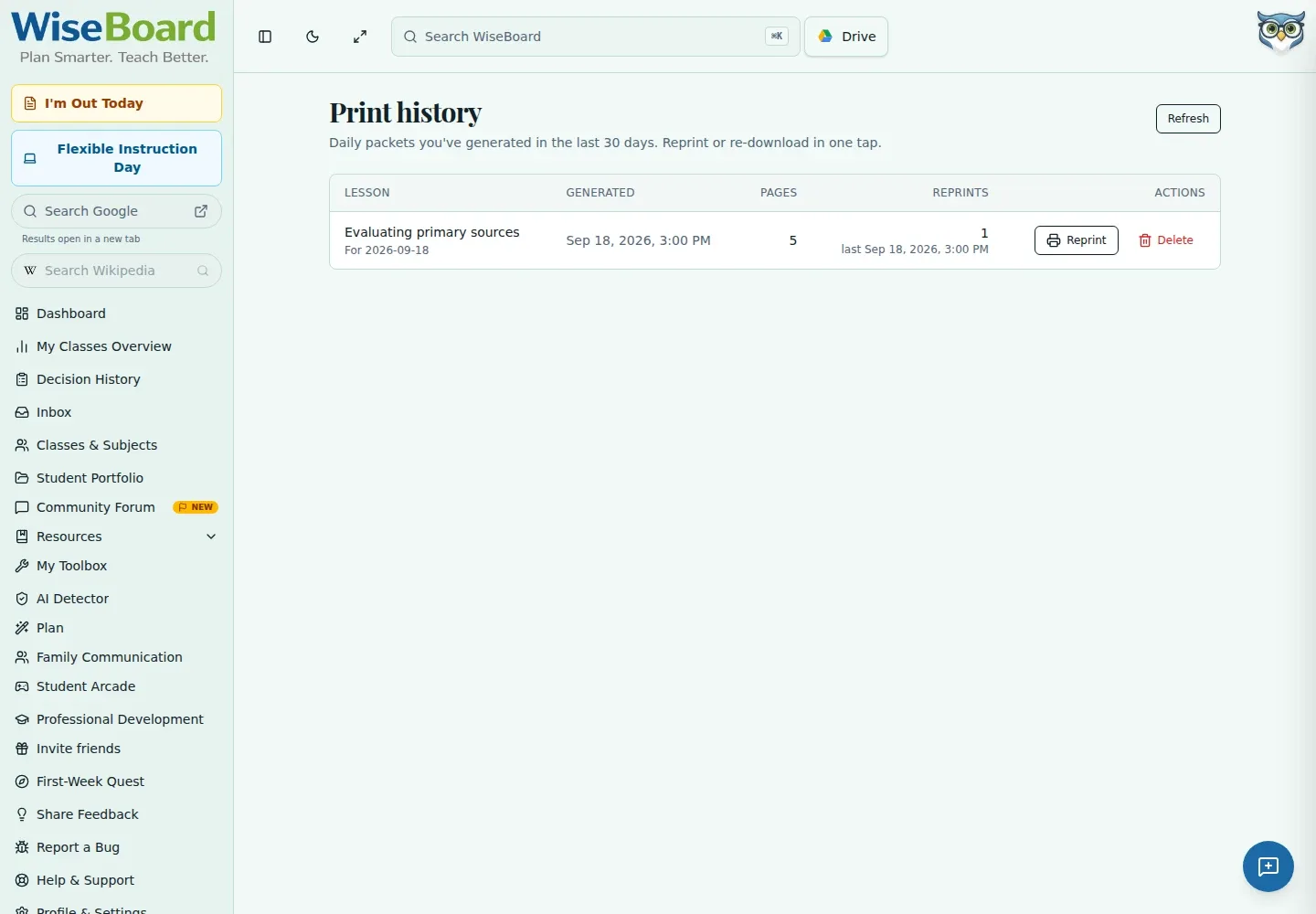
Print History lists recent saved print packets with lesson, generation-time, and reprint information. Open a saved packet when you need another copy. It is not a complete archive of every document or proof that a family received a printout.
See the workspace before you sign in.
01 / THE DIFFERENCE
Practical tools that leave the decisions with you.
Browse saved packets and inspect their lesson and generation details.
Use a packet's Reprint control when you need another paper copy.
Review generation and reprint metadata without treating it as proof of delivery.
02 / IN PRACTICE
A closer look at how this fits into your day.
Explore the interactive app demoGo to Print History and browse the saved packet list.
Inspect the lesson, generation time, and reprint details.
Choose Reprint for another copy or Refresh to reload the list; confirm deletion only when intended.
WHAT THIS COULD LOOK LIKE
Find the recent packet, check that its lesson and generation details match what you need, and use Reprint. A history record shows packet information; it does not establish that a family received it.
GOOD TO KNOW
A little more detail before you dive in.
No. It lists recent saved print packets and is not a complete archive of every document.
No. Packet generation or reprint metadata is not proof that a family received a printout.
YOUR WORKSPACE AWAITS
Explore WiseBoard on your own terms. Take a look around, or start your free trial.