 WiseBoard
Keep credential details together
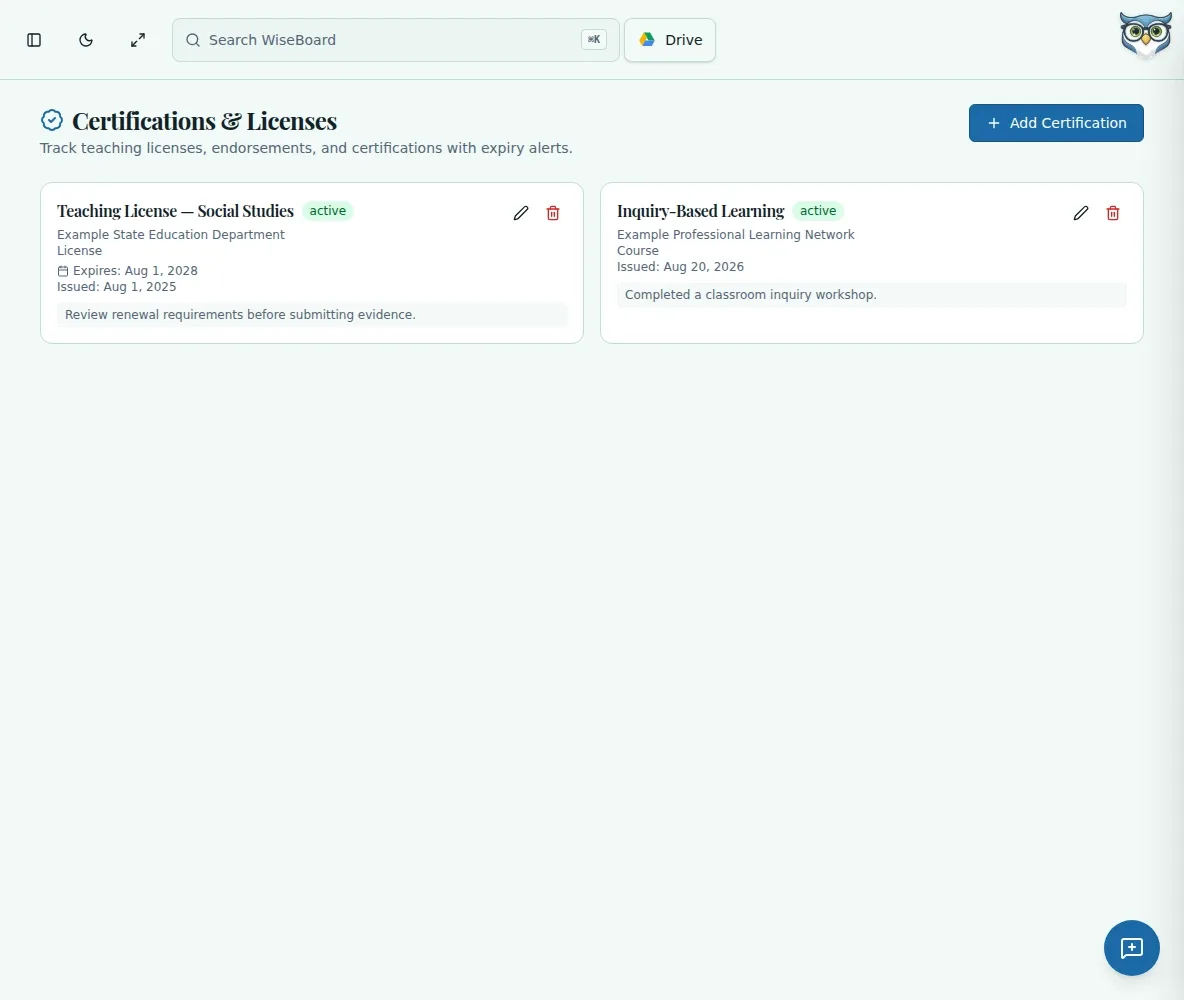
Record the certification name, issuing body and issue and expiration dates.
Teacher organization
Certification paperwork often becomes urgent only when a deadline is close. Track credentials and expiration dates in one place, then use the visible flags to review what may need attention.
See the workspace before you sign in.
01 / THE DIFFERENCE
Practical tools that leave the decisions with you.
Record the certification name, issuing body and issue and expiration dates.
Upload a photo or scan of the certification for your own documentation.
Review expiration flags and the renewal alert window configured for each certification.
02 / IN PRACTICE
A closer look at how this fits into your day.
Explore the interactive app demoEnter its name, issuing body and relevant dates.
Attach a photo or scan and enter renewal notes as useful.
Check expiration flags and track your own renewal progress against official requirements.
WHAT THIS COULD LOOK LIKE
Add the license name, issuing body and expiration date, then attach a scan and note the coursework you still need to verify. Check the approaching-expiration flag during planning, and confirm requirements with the licensing authority.
GOOD TO KNOW
A little more detail before you dive in.
The page shows expiration flags, but it does not guarantee external reminders. Review the tracker and maintain any official reminder process you use.
The default renewal alert window is 60 days and is configurable per certification.
YOUR WORKSPACE AWAITS
Explore WiseBoard on your own terms. Take a look around, or start your free trial.