 WiseBoard
Draw from the classroom device
Use the board in a browser without installing a separate drawing app.
Classroom tools
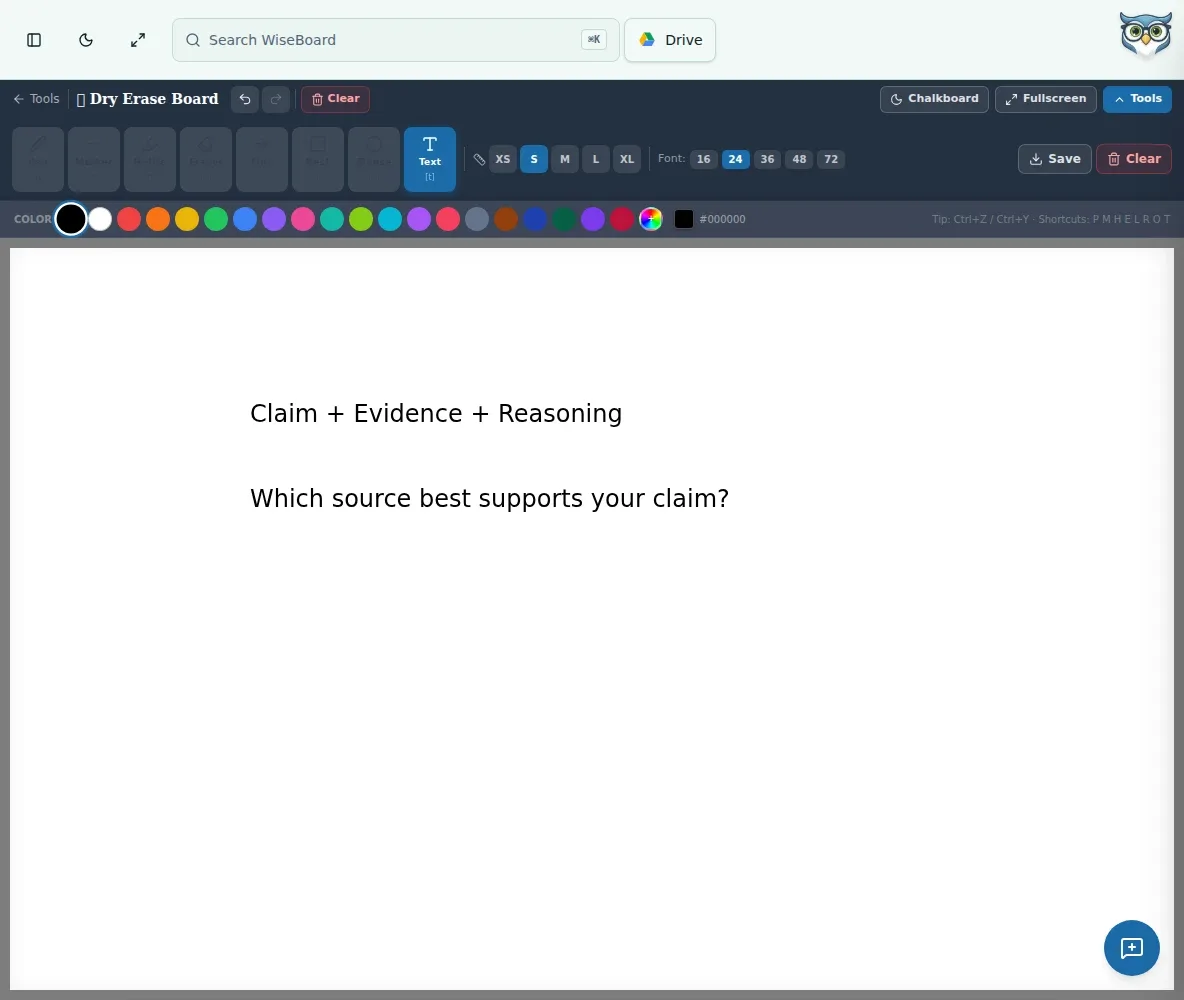
A worked example often changes as students ask questions. Use Dry Erase Board to draw, write or annotate in a browser, then clear the canvas for the next idea or save an image of the work.
See the workspace before you sign in.
01 / THE DIFFERENCE
Practical tools that leave the decisions with you.
Use the board in a browser without installing a separate drawing app.
Adjust color and line thickness, use shapes, and erase or clear sections.
Save the finished drawing as a PNG, or show it full-screen on a connected display.
02 / IN PRACTICE
A closer look at how this fits into your day.
Explore the interactive app demoGo to Dry Erase Board and use the drawing tools in its toolbar.
Write, sketch or annotate, changing colors, line thickness or shapes as needed.
Save as PNG to keep the work, or clear the board and confirm before starting fresh.
WHAT THIS COULD LOOK LIKE
Project the board on a connected display, draw a ratio table and annotate each step as students explain their reasoning. Save the finished board as a PNG for a later reference, or clear it after the discussion.
GOOD TO KNOW
A little more detail before you dive in.
Yes. Use a separately configured classroom display connection and full-screen view.
Choose Save as PNG. Clearing the board removes the current drawing, so save it first if you need a copy.
YOUR WORKSPACE AWAITS
Explore WiseBoard on your own terms. Take a look around, or start your free trial.