 WiseBoard
Connect play to available learning content
Configure the curriculum links and game options shown for the selected class.
Student practice
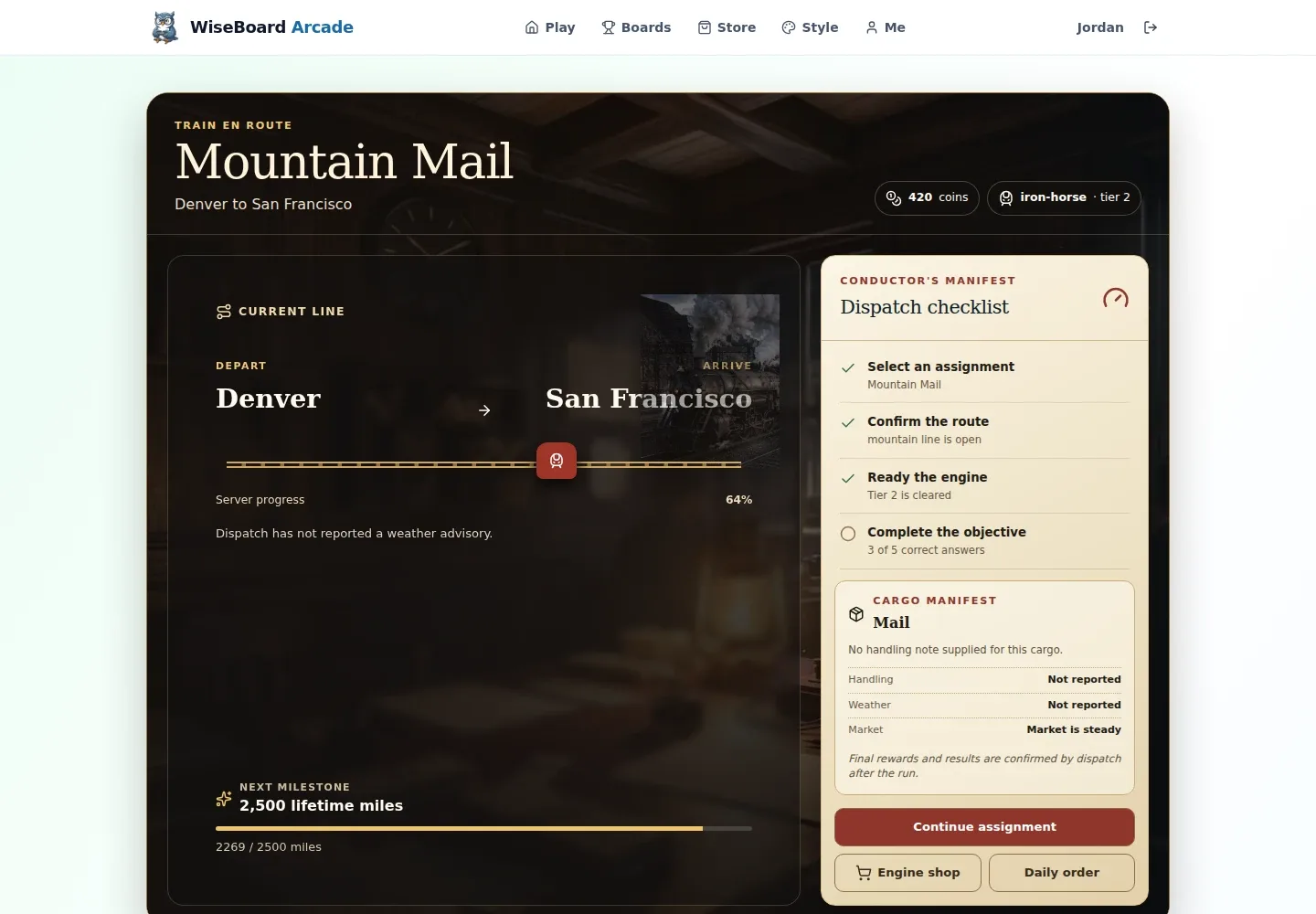
Pip's Railroad is a student-facing quest game: students complete learning challenges to earn XP and move a train across a continental US map. Teachers configure the available curriculum and review the resulting class context.
See the workspace before you sign in.
01 / THE DIFFERENCE
Practical tools that leave the decisions with you.
Configure the curriculum links and game options shown for the selected class.
Check settings, quests and progress on the teacher Railroad page.
Students enter through their separate Arcade session and play at their own pace.
02 / IN PRACTICE
A closer look at how this fits into your day.
Explore the interactive app demoOpen the teacher Railroad page and select the class.
Check settings, quests and progress, then configure available curriculum and game options.
Save the configuration and have students enter through their separate Arcade session.
WHAT THIS COULD LOOK LIKE
Select the class, review its available quests and configure relevant curriculum links before independent practice. Students enter Railroad through Arcade and answer learning challenges to move along the map; use the teacher view to review available progress.
GOOD TO KNOW
A little more detail before you dive in.
No. Teachers configure the class on the teacher Railroad page; students enter through a separate Arcade session.
The guide describes it as a student quest game and practice activity, not a replacement assessment. Use your normal assessment evidence for instructional decisions.
YOUR WORKSPACE AWAITS
Explore WiseBoard on your own terms. Take a look around, or start your free trial.